
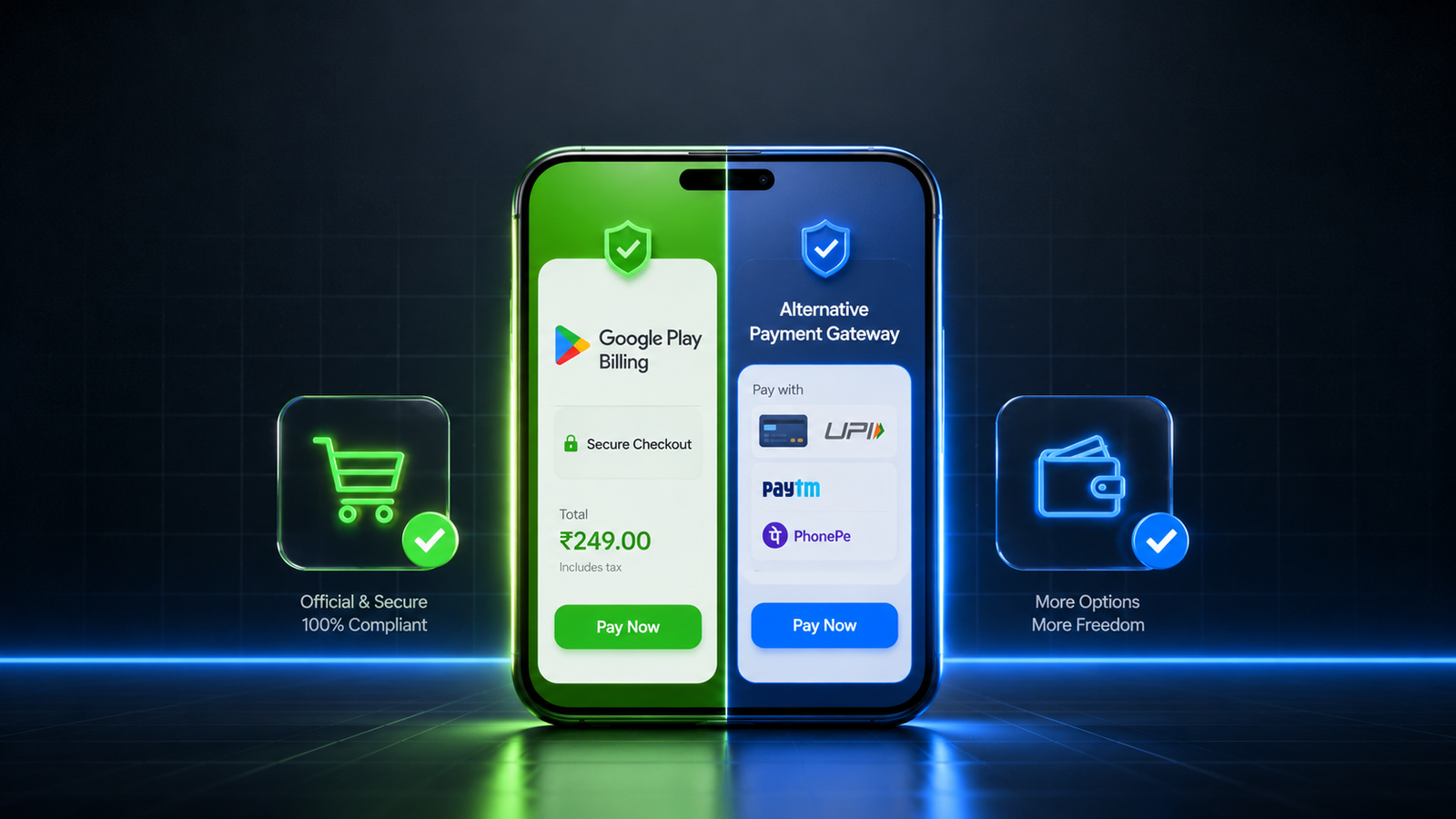
Can you use a third-party payment gateway on Google Play? Yes, but only if you are selling physical goods, or if you enroll in localized programs like India's User Choice Billing framework to offer it alongside Google's native system. Structure your monetization models to line up precisely with Google's geographic compliance checks, optimize your transaction tracking APIs, and manage your testing requirements with professional discipline to launch your app successfully.
If you are developing an Android app that sells digital services, premium features, or virtual currency, your monetization strategy will eventually hit one critical question: Can I use a third-party payment gateway like Stripe, Razorpay, or PayPal directly inside my Play Store app?
For years, developers have wanted to bypass Google’s native billing system to avoid platform commission fees and gain direct control over their revenue streams. However, navigating the Google Play Console Payments Policy is a complex legal and technical challenge. If you integrate an unauthorized payment gateway for digital items, Google will promptly reject your build or suspend your account for a policy violation.
This guide explains how Google Play Billing works, clarifies whether pure third-party gateways are allowed, details the specialized "Alternative Billing" exceptions for developers in India, and outlines how to safely get your app approved for production.
1. What is Google Play Billing? (The Central Cash Register)
To understand app store monetization, it helps to understand why Google protects its checkout lane.
The Digital Mall Analogy: Think of the Google Play Store as a high-end physical shopping mall. Google provides the infrastructure, the security guards, the foot traffic, and the trust. Google Play Billing is the mall's central cash register.
Google requires that any shop selling digital goods inside their mall must use this central register. This gives users a single, secure interface to save their credit cards, manage active subscriptions, and request refunds from one central dashboard.
What Requires Google Play Billing?
You must use Google Play Billing for any digital product consumed entirely inside the app:
Virtual game currency, character skins, and loot boxes.
Premium app subscriptions (e.g., ad-free tiers, SaaS access, dating app upgrades).
Downloadable digital content like e-books, custom audio tracks, or premium media filters.
What is Exempt From Google Play Billing?
You can safely use a 3rd party payment gateway (like Razorpay or Stripe) if your app sells physical goods or real-world services consumed outside the smartphone:
E-commerce applications (selling clothing, electronics, or groceries).
Physical services (ride-sharing, food delivery apps, or flight bookings).
Peer-to-peer peer utility bills or medical services.
2. Can You Implement Only a Third-Party Payment Gateway?
The short answer is no. For standard digital goods, you are strictly prohibited from implementing a third-party payment gateway as the exclusive checkout method.
If your app offers in-app purchases for digital content, you cannot lead users to an external website payment form or use language that encourages buying items outside the app canvas. Doing so triggers an automated policy strike during the review phase.
3. The India Exception: User Choice Billing (Alternative Billing)
Due to global regulatory changes and antitrust rulings from authorities like the Competition Commission of India (CCI), Google introduced the User Choice Billing (Alternative Billing) program.
If you are distributing your application to users in India, you are no longer forced to use Google Play Billing exclusively. You are legally allowed to offer an alternative, 3rd party payment gateway alongside Google Play Billing.
[User Clicks "Buy Premium"] ➔ [Custom Choice Screen Pop-up] ➔ [Option A: Google Play Billing] OR [Option B: Alternative Payment Gateway]
How the Alternative Billing System Works:
The Choice Screen: When an Indian user goes to buy a digital item, they are met with an explicit choice screen showing both payment options.
The Fee Structure: Many developers assume using their own payment gateway means paying 0% commission to Google. This is a common misconception. Google still charges a service fee for maintaining the Android ecosystem, but they grant a 3% to 4% discount on their standard commission rate for transactions processed via the alternative gateway.
API Integration: You cannot just embed a basic web-view of your payment gateway. You must integrate specific Google Play alternative billing APIs to report every external transaction back to Google’s console for financial tracking.
4. Transitioning Your Monetized App to the Play Store
Once your billing architecture—whether native or hybrid—is cleanly integrated into your codebase, you face your final distribution hurdle: getting through the Google Play review gate.
If you are launching via a new Personal Developer Account, your application is blocked from hitting the live production store. Google forces you to run a strict quality check called the mandatory closed testing phase.
Clearing the 14-Day Mandatory Testing Track
To qualify for production release, you must set up a private track and recruit a minimum of 12 verified testers who must keep your app installed and actively test it for 14 consecutive, uninterrupted days.
Trying to bypass this phase by trading clicks on free developer exchange forums (like Reddit or Discord groups) regularly results in an immediate rejection. Casual users practice an "open and close" routine, launching your app for three seconds and closing it immediately. Google’s console metrics track background telemetry; a history of 3-second interactions flags the track as artificial, resetting your 14-day clock back to zero and wasting weeks of market momentum.
Protect Your Timeline via Managed Professional Testing
To eliminate the risk of a 14-day reset loop and ensure your alternative billing choice screens work perfectly on real devices, the most efficient approach is to partner with a managed professional closed testing platform like inTesters.
Rather than chasing down unreliable contacts, a dedicated testing framework provides a secure pool of 20+ real human testers using unique physical Android smartphones. Vetted testers actively engage with your app layouts for a minimum of 2–3 minutes per session, testing inputs, exploring features, and verifying that your checkout modules function safely without triggering rendering breaks or runtime crashes. This completely removes the administrative stress of tracker drop-offs and provides you with pre-mapped technical logs to effortlessly pass Google's strict 10-question production access questionnaire.
About the Author

Pratyush Kumar Thakur
Expert software tester and contributor to the community. Passionate about AI, automation, and user experience.