
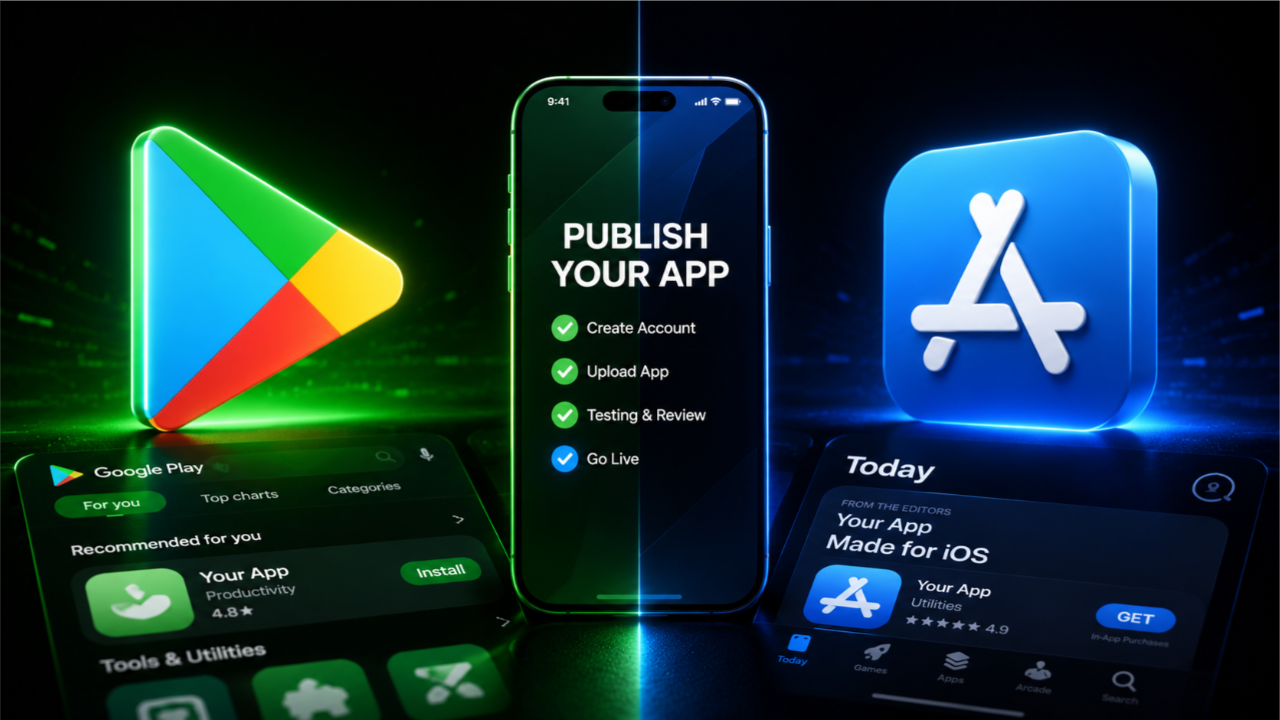
The ideal platform ultimately depends on your project goals, initial capital, and target audience. If you are building a premium B2B utility, a subscription-heavy productivity suite, or targeting higher-income regions, launch on the Apple App Store first. If you are launching a mass-market casual game, an ad-supported utility, or targeting fast-growing global markets on a lean startup budget, prioritize the Google Play Store. Whichever route you take, treat your deployment phase with professional discipline, optimize your store graphics, and manage your compliance tracks meticulously to build a smooth path toward global market success.
Choosing where to launch your mobile application is one of the most critical decisions a developer or startup faces. Deciding whether to publish on the Google Play Store vs. the Apple App Store impacts your development timeline, initial budget, and global monetization potential.
Many tutorials treat this choice purely as a question of programming language: Kotlin for Android, Swift for iOS. But the reality goes much deeper. Each platform acts as a distinct digital gateway with different registration fees, submission procedures, strict policy constraints, and target user behaviors.
This comprehensive blueprint breaks down the exact publishing mechanics of both marketplaces, highlights the hidden bottlenecks developers face, and provides a strategic roadmap to choose the ideal launchpad for your application.
The Master Matchup: Play Store vs. App Store at a Glance
To make an informed platform decision, you must look directly at the latest market data and operational metrics tracking both ecosystems:
Google Play Store dominates the global smartphone market, making it the preferred choice for developers who want maximum visibility and a larger potential user base. Android apps are distributed using Android App Bundles (.aab), and the developer registration fee is a one-time payment. However, new personal developer accounts must complete Google's closed testing requirements before gaining production access.
Apple's App Store, while serving a smaller share of the global market, is known for attracting higher-spending users. Apple requires developers to pay an annual developer membership fee and submit apps in the iOS App Store Package (.ipa) format. The review process is generally more rigorous, with every app undergoing detailed manual review before approval.
From a monetization perspective, Android often performs well for ad-supported apps and lower-cost in-app purchases because of its larger user base. iOS, on the other hand, is widely recognized for generating higher revenue per user, making it particularly attractive for subscription-based apps and premium products.
For most indie developers and startups, launching on Android first is often the most practical approach due to lower costs and broader market reach. As the app grows and gains traction, expanding to iOS can help unlock additional revenue opportunities and reach a premium user audience.
1. The Step-by-Step Publishing Procedures Compared
While both stores require you to compile code and design promotional layouts, their internal dashboards and launch sequences follow completely different paths.
Publishing on the Google Play Store
The Android pipeline focuses heavily on policy data declarations and structural testing phases:
Developer Registration: Create a Google Play Console profile and settle the $25 fee.
Setup Store Listing: Complete your app title (30 chars), short description (80 chars), long description (4,000 chars), high-res icon, and promotional feature banner.
Policy & Data Safety Questionnaire: Explicitly declare every single user metric your app tracks, state if it’s encrypted, and link a secure HTTPS privacy policy URL.
The Testing Track: For personal developer accounts, you must run a mandatory closed testing track with at least 12 real users for 14 consecutive days before applying for public release.
Production Rollout: Once approved, your
.aabenters a short final verification queue and goes live.
Publishing on the Apple App Store
The iOS pipeline values design homogeneity, app security, and hardware ecosystem integration:
Enroll in Apple Developer Program: Register via App Store Connect and pay the recurring $99/year fee. (Note: You must own or have virtual access to a macOS machine running Xcode to compile the build).
Configure App Store Connect: Set up your App Name, Subtitle (30 chars), and hidden 100-character keyword field (unique to iOS ASO).
App Store Screenshots: Upload precisely scaled device screenshots matching Apple's strict display requirements for various iPhone and iPad generations.
Submit for Manual Review: Your
.ipabinary file enters a queue where a real human reviewer in an Apple lab launches and tests your application.Release Management: The review process typically takes 24 to 72 hours. If it passes, the app goes live immediately or at a scheduled date.
2. Monetization Realities: Where Will Your App Earn More?
The biggest difference between the platforms is user spending behavior.
The Apple App Store generates nearly double the overall digital revenue compared to Google Play, despite having roughly half the total app download volume. iOS users generally have a higher average income profile and are vastly more accustomed to paying for premium apps, in-app purchases (IAP), and digital subscriptions. If your business model relies on a premium monthly subscription or high-ticket digital purchases, iOS is the natural priority platform.
Conversely, the Google Play Store dominates emerging markets across Asia, Latin America, and Africa. Android users prefer free downloads. If your monetization strategy relies heavily on In-App Advertising (IAA), rewarded video networks, low-cost virtual goods, or high-volume mass adoption, Google Play offers unmatched global scaling opportunities.
3. Surviving the Policy Review and Rejection Gates
Both gatekeepers enforce incredibly strict quality baselines, but they reject apps for completely different reasons.
Apple's UI/UX and Quality Traps
Apple rejects roughly 30% to 40% of first-time app submissions. Their human reviewers will instantly flag your app if the user interface looks like a basic web-wrapper, if the text layout clips on a notch screen, or if it doesn't align with their Human Interface Guidelines (HIG). Apple demands deep design polish from day one.
Google Play's Broken Functionality and Testing Walls
Google’s automated systems and spot reviewers prioritize functional stability and data security. If a single button freezes, or if you fail to provide functioning login test credentials in your App Access panel, your build will face a "Broken Functionality" policy violation.
Furthermore, if you are publishing via a personal account, you face the massive operational hurdle of the 14-day testing countdown.
4. How to Effortlessly Overcome the Google Play Testing Bottleneck
If you prioritize Android for its global reach and $25 entry fee, you cannot skip the 14-day closed testing gauntlet. Google requires 12 active users to engage with your code daily. Many independent developers try to clear this phase by joining free click-swap forums on Reddit or Discord, which regularly leads to an immediate rejection.
Casual community users practice an "open and close" routine, loading your app for three seconds and closing it immediately. Google’s telemetry tracks session length; a history of 3-second interactions flags the track as artificial, resetting your 14-day clock back to zero and wasting weeks of market momentum.
Protect Your Launch via Managed Professional Testing
To eliminate the risk of a 14-day reset loop, smart developers deploy a managed professional closed testing service like inTesters early in their development cycle. Partnering with a dedicated network of vetted QA specialists ensures your application meets Google's strict telemetry expectations on your very first attempt.
A premium professional platform completely handles compliance logistics by providing:
Guaranteed 14-Day Track Continuity: Hands-on oversight to ensure your track metrics run seamlessly without data drops or sudden uninstalls that reset the clock.
20+ Vetted, Real-Device Testers: Provides a reliable safety buffer over the mandatory minimum. Every tester uses a unique, physical Android phone tied to an active Google Play account—no emulators or virtual machine profiles allowed.
AI-Verified Daily Session Proof: Testers submit daily visual proof logs analyzed via an automated AI Screenshot Verification System to confirm active interaction.
Organic Deep Engagement Tracking: Vetted testers actively engage with your app interface for a minimum of 2–3 minutes per session, exploring features to generate clean user telemetry.
Production Questionnaire Support: Complete data mapping to help you confidently complete Google's strict 10-question production access application form with ease.
About the Author

Pratyush Kumar Thakur
Expert software tester and contributor to the community. Passionate about AI, automation, and user experience.