
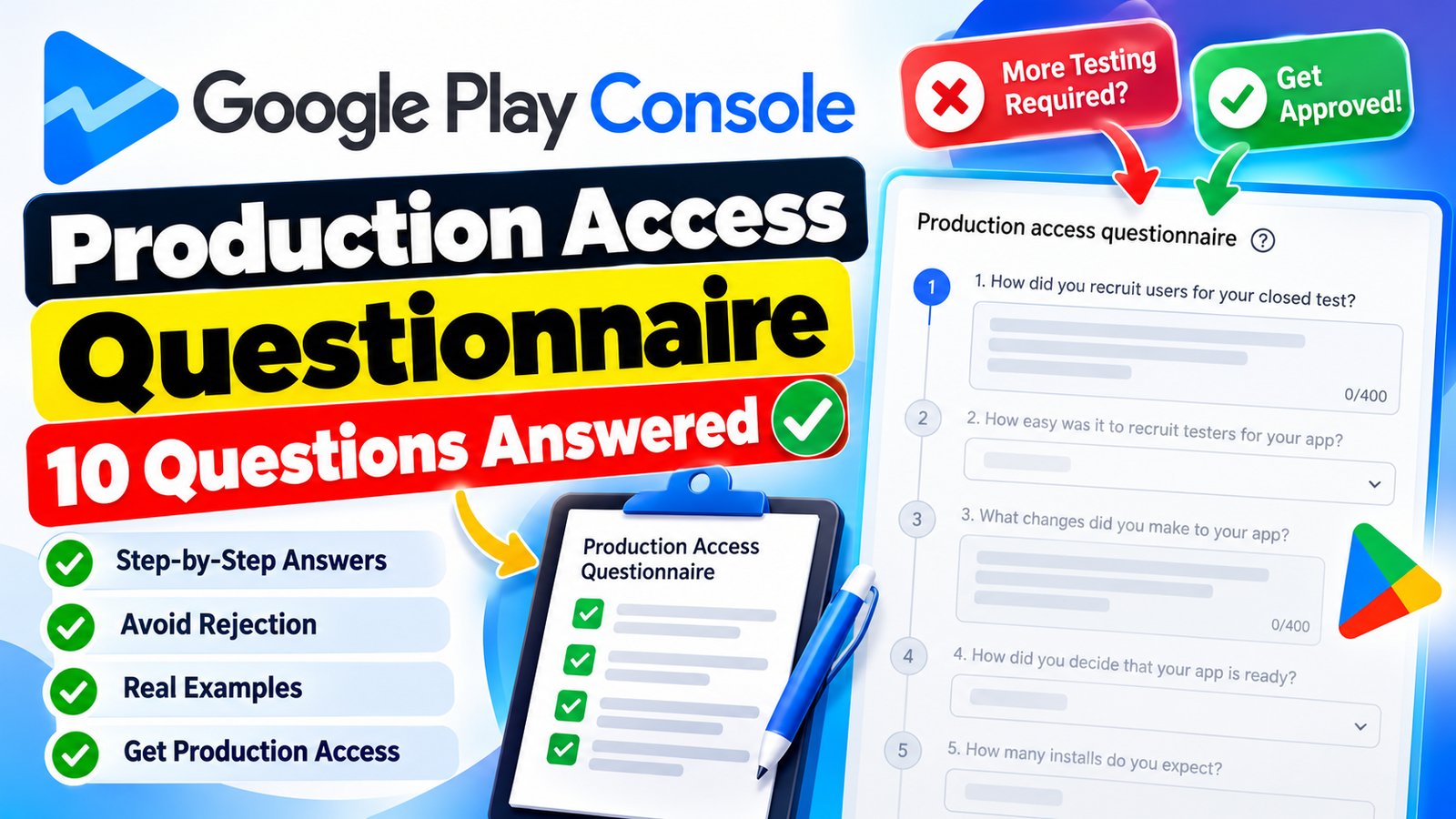
Passing the 14-day / 12-tester closed testing mandate is a huge milestone for Android developers. But there is one final hurdle standing between your app and the public Google Play Store: The Production Access Questionnaire.
Many developers complete their 14 days of testing, submit generic or copy-pasted responses on the questionnaire, and immediately get hit with a rejection stating "More Testing Required" or "Production Access Denied."
Google’s review team uses this questionnaire to verify whether you conducted a genuine closed test with real user engagement, or simply asked 12 friends to install the app and ignore it.
This step-by-step guide covers how to answer all 10 Production Questionnaire questions correctly, how to avoid rejection, and what to do if your application gets turned down.
The #1 Reason Developers Fail the Production Questionnaire
Before jumping into the answers, you must understand what Google reviewers look for:
Vague Answers: Writing generic statements like "Testers loved the app, no bugs were found" is an immediate red flag. A real test always uncovers small UI glitches, performance bugs, or feature suggestions.
Short Answers: Responses under 200–250 characters suggest low effort. Aim for 250 to 400 characters per text field.
Contradictions: Claiming "We made major UI changes based on feedback" while answering in another section that "No major changes were made" triggers an automated or manual rejection.
Zero Build Updates: If you claim you fixed bugs reported by testers, Google checks your Play Console history to see if you actually pushed an updated build during the 14-day window.
10 Ready-to-Use Answers for Your Production Access Questionnaire
Below is a field-by-field breakdown with optimized templates. Replace the bracketed placeholders (like this) with your app's specific details.
Question 1: How did you recruit users for your closed test?
Goal: Prove your recruitment method was legitimate and deliberate.
Winning Answer Template:
"Users were recruited through a combination of our developer network and a dedicated Android testing community to gather structured feedback from target users interested in [App Category, e.g., productivity and task management tools]. This allowed us to onboard 18 active testers with diverse Android devices, screen sizes, and OS versions (Android 11 through 15) to ensure broad compatibility and real-world testing conditions."
Question 2: How easy was it to recruit testers for your app?
Goal: Select the multiple-choice option (Easy / Neither / Difficult) and justify it concisely.
Winning Answer Template:
"Recruitment was straightforward because [App Category, e.g., daily budget tracking] apps have broad consumer appeal. Utilizing a structured testing provider enabled us to quickly reach active Android users who were eager to evaluate features like [Core Feature, e.g., expense tagging and automated monthly charts]. Having a managed pool eliminated delay in reaching the required tester threshold."
Question 3: What changes did you make to your app based on what you learned during your closed test?
Goal: Show that you actively iterated on feedback. Avoid saying "No changes were made".
Winning Answer Template:
"Based on tester feedback during the 14-day window, we released Build v1.0.4 to fix a UI overlap issue on smaller screen resolutions (e.g., 5.5-inch displays). We also optimized the loading speed of [Core Feature, e.g., the PDF report exporter], reducing render time by ~30%. Minor visual enhancements to color contrast were also implemented, while larger feature requests are queued for post-launch updates."
Question 4: How did you decide that your app is ready for production?
Goal: Provide concrete evidence of stability and functionality.
Winning Answer Template:
"We determined production readiness after verifying that core user journeys—such as onboarding, data saving, and [Key Feature, e.g., offline synchronization]—achieved a 99%+ crash-free session rate across all tester devices. Additionally, feedback scores stabilized over the final 5 days of testing with zero critical bug reports remaining, confirming overall build stability."
Question 5: How many installs do you expect your app to have in your first year?
Goal: Choose a realistic bracket in the multiple-choice selection.
Winning Answer Template:
"Select 1,000 – 10,000 (or 10,000 – 50,000 if you have an existing audience/marketing budget)."
Written Justification: "Based on our niche target market, preliminary App Store Optimization (ASO) keyword research, and organic social media marketing plans, we conservatively estimate 5,000 to 15,000 installs in Year 1. We prefer prioritizing organic retention and steady user growth over paid user acquisition at launch."
Question 6: Who is the intended audience of your app?
Goal: Define a clear target user persona.
Winning Answer Template:
"Our intended audience consists of [Target Demographics, e.g., students, freelance professionals, and remote workers] who need an easy way to [Core Use Case, e.g., track work hours and calculate project rates]. It caters to users seeking a lightweight, privacy-focused utility without bloated submenus or complicated sign-up requirements."
Question 7: Describe how your app provides value to users.
Goal: Explain the practical problem your app solves.
Winning Answer Template:
"[App Name] solves the problem of [User Pain Point, e.g., tedious manual expense entry] by providing [Key Value, e.g., one-tap categorizations and instant visual spending breakdowns]. Unlike complex financial software, our app saves users time by offering an intuitive interface that works entirely offline, ensuring complete data privacy and instant access."
Question 8: Describe the engagement you received from testers during your closed test.
Goal: Highlight real user activity and retention.
Winning Answer Template:
"Testers actively interacted with the app throughout the 14-day window, averaging 3 to 5 sessions per week. They routinely tested primary workflows such as [Feature 1, e.g., creating custom categories], [Feature 2, e.g., exporting CSV files], and testing background sync functionality. Over 80% of opted-in testers retained the app and opened it across multiple distinct days."
Question 9: Description of the interaction of the testers during the test in the defined group.
Goal: Detail how users navigated through the app structure.
Winning Answer Template:
"Testers executed standard end-to-end user journeys. They completed the initial splash onboarding, created test entries, toggled dark mode settings, and verified offline data caching by disabling connectivity. Their navigation logs confirmed that users explored both top-level navigation screens and secondary settings menus without encountering navigation loops or UI freezes."
Question 10: Provide a summary of the feedback that you received from testers. Include how you collected the feedback.
Goal: Detail communication channels and specific user feedback.
Winning Answer Template:
"Feedback was gathered directly via Google Play Console testing feedback, direct messaging, and a structured Google Form. Testers praised the clean interface and fast startup time. Critical feedback pointed out that the font size on secondary charts was too small on 6-inch screens, and dark mode had inconsistent card backgrounds—both of which were corrected in an interim release."
What to Do If Your Closed Testing / Production Access Gets Rejected
If Google denies production access, your dashboard will display a notice like "More Testing Required."
┌─────────────────────────────────────────────────────────────────────────────┐
│                       Common Failure Causes & Solutions                      │
├──────────────────────────────┬──────────────────────────────┬───────────────┤
│         Failure Cause        │        Why It Triggered      │  How to Fix   │
├──────────────────────────────┼──────────────────────────────┼───────────────┤
│ Low Tester Activity          │ Testers installed once and   │ Run 14 extra  │
│                              │ never opened the app again.  │ days; send    │
│                              │                              │ push alerts.  │
├──────────────────────────────┼──────────────────────────────┼───────────────┤
│ Form / Data Mismatch         │ Claimed bug fixes, but no    │ Upload a new  │
│                              │ new APK/AAB was uploaded.    │ update build  │
│                              │                              │ to Play Store.│
├──────────────────────────────┼──────────────────────────────┼───────────────┤
│ Generic Answers              │ Form responses used short,   │ Rewrite using │
│                              │ copy-pasted, vague text.     │ detailed app  │
│                              │                              │ specific data.│
└──────────────────────────────┴──────────────────────────────┴───────────────┘
Action Plan to Overcome Rejection:
Do Not Immediately Re-apply: Submitting the exact same questionnaire answers without changing your testing metrics will lead to an immediate second rejection.
Push an Update (AAB/APK): Create a new version code (e.g., v1.0.1 to v1.0.2), fix minor issues, and publish it to your Closed Track. This proves active development.
Extend Testing for 7–14 Days: Keep your current testers active or add 5–10 new testers to boost daily open rates and active user metrics.
Consider Professional Managed Testing: If recruiting engaging personal contacts is difficult, use paid testing services (like inTesters or TestersCommunity). These platforms pair your app with real Android users who interact daily, generate crash reports, and leave verifiable feedback logs.
Competitive Analysis: Why Other Guides Cause Rejections
A comparative review of top-ranking developer guides reveals why many developers get rejected despite following online templates:
Outdated 2023 Guidance: Older guides claim that simply having 12 emails added to a Google Group is enough. Google now tracks active app openings, battery usage, and crash reports across the 14 days.
Encouraging "No Bugs Found" Answers: Many blogs suggest writing that your app was flawless. Reviewers know no initial software build is 100% bug-free. Admitting small UI/UX flaws and showing how you fixed them drastically raises approval rates.
Ignoring Build Mapping: Popular articles fail to inform developers that questionnaire answers are cross-referenced with Play Console logs. If your text claims 3 updates were shipped, but Play Console shows only 1 upload, your application will fail audit.
Final Pre-Submission Checklist
Minimum 12 testers continuously opted-in for 14 consecutive days.
At least 1 updated build (AAB) released during the testing period.
Every text answer is between 250 and 400 characters long.
Answers include specific device models, version codes, and feature names.
At least one UI or performance bug fix mentioned and tied to a shipped update.
About the Author

Pratyush Kumar Thakur
Expert software tester and contributor to the community. Passionate about AI, automation, and user experience.