
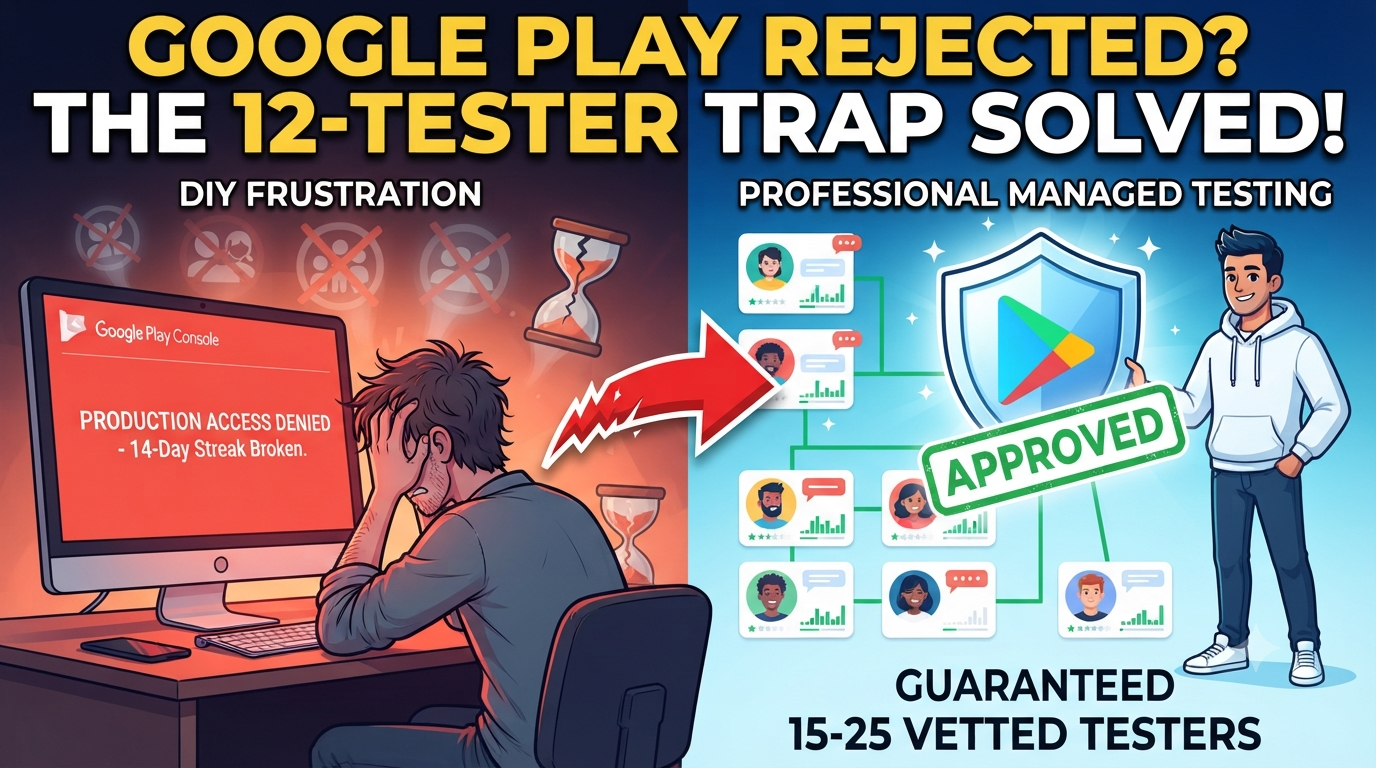
If you are an Android developer staring at a sudden "Production access denied" or a frustrating "More testing required" notification from the Google Play Console, you are not alone.
Since Google rolled out its stringent developer verification and testing policies—particularly affecting personal accounts created after late 2023—passing the mandatory 12 testers for 14 consecutive days threshold has turned into an uphill battle. You wait out the two weeks, hit apply, and still get blocked.
Why is Google cracking down so heavily on closed testing, why do traditional DIY workarounds fail, and what can you do to bulletproof your app for a smooth production rollout? Let’s examine how to navigate—and ideally bypass—these continuous testing bottlenecks.
The Core Problem: Why Google Play Rejects Closed Testing Now
Google’s review systems no longer just check if a digital countdown clock hit zero. The algorithm heavily analyzes behavioral telemetry, user engagement depth, and active feedback validation.
When your production application gets turned down, it typically points to a few hidden vulnerabilities:
1. The "Friends and Family" Vulnerability Trap
Most independent developers rely on their immediate social circle—friends, college peers, and family members—to hit the 12-user minimum. Unfortunately, this method is fragile for several structural reasons:
The Drop-Out Effect: Friends will download your app enthusiastically on Day 1, but by Day 4 or 5, real life takes over. They get busy, clear their storage, or accidentally opt out of the testing track. If your active counter drops below 12 for even a single hour, your 14-day continuous streak breaks, forcing you to restart the countdown.
Zero Real Engagement: Friends rarely open the app daily, explore deep UI screens, or interact with core features. Google’s automated telemetry tracks session frequency and interaction variety. If 12 accounts download the app, open it once for five seconds, and never touch it again, Google's system flags it as inorganic or abandoned engagement.
The Feedback Vacuum: Google requires you to summarize the feedback received and state what bugs you patched during the test. Friends usually give vague responses like "Cool app!", leaving you with nothing concrete to submit in your Play Console questionnaire. Vague answers trigger immediate rejections.
2. Static Builds and Lack of Iterative Updates
Many developers upload one initial .aab file on Day 1 and leave it entirely untouched until Day 14. Google expects a beta phase to resemble a living, breathing development cycle. Failing to push at least 2 or 3 minor updates or patch releases during the window signals a stagnant, dead test.
Competitive Analysis: What Are Other Blogs Missing?
Most generic guides online merely echo basic developer documentation: "Just find 12 people, wait 14 days, and click apply." They completely overlook the operational nuances that cause most applications to get stuck in limbo:
The Google Group vs. CSV File Trap: Many articles tell you to upload a raw CSV email list. However, updating or modifying that list mid-test can inadvertently break opt-in linkages. Few guides emphasize why utilizing a stable Google Group minimizes risk.
Neglecting Pre-Launch Report Vitals: Google runs automated pre-launch diagnostics on your app package before manual review. Hidden memory leaks, high ANR (App Not Responding) rates, or unhandled permission requests will sink a closed test instantly—even if your 12 testers stayed active.
Ignoring Solo Developer Limitations: Telling a solo indie creator or a small student team to "just round up friends" ignores reality. When personal networks fail, developers need reliable, structured pathways to satisfy Google's criteria without risking a permanent account penalty.
What Can You Do If Your Testing Gets Rejected?
If your submission has already been rejected, do not panic. Follow a structured recovery framework:
Audit Your Active Buffer: Never sit right on the razor-thin edge of 12 testers. Aim for a safety net of 15 to 25 testers to absorb sudden drop-outs.
Push Dynamic Iterations: Deploy an updated bundle addressing minor UI polishes or performance fixes to prove active development is happening on the closed track.
Verify Compliance Guidelines: Ensure your app complies strictly with target API levels, data safety forms, and permission justifications.
Skip the Stress: Secure Professional Testing Support
Managing an unpredictable crowd of casual testers, monitoring a 14-day continuous streak, and worrying about sudden dropouts can stall your launch timeline for months.
If you want to completely avoid app rejection and fast-track your path to the Play Store, you can leverage a structured, professional testing service managed by an expert team.
Why Choose Professional Managed Testing?
Opting for a dedicated testing workflow gives your application the institutional backing it needs to clear Google's automated gatekeepers smoothly:
15-20 Days Testing Cycle: Fully aligned with Google's extended observation windows to ensure zero streak breaks.
15-25 Vetted Testers: Real users on diverse hardware who stay engaged and active for the entire duration.
Google Play Production Answers: Contextual, detailed feedback and summaries to plug directly into your production access questionnaire.
Managed by an Expert Team: Complete coordination so you don't have to chase down unreliable volunteers.
Detailed Bug Reports: Comprehensive breakdown of issues so you can patch code flaws before public release.
Device & OS Coverage Stats: Verification across multiple Android versions and screen resolutions.
Google Play Compliance Check: Pre-flight checks against common policy violations to safeguard your developer account.
Don't let strict testing algorithms and unreliable networks stall your app's release. Secure professional testing support today, bypass the rejection loop, and get your app live on the Google Play Store with confidence.
About the Author

Pratyush Kumar Thakur
Expert software tester and contributor to the community. Passionate about AI, automation, and user experience.