
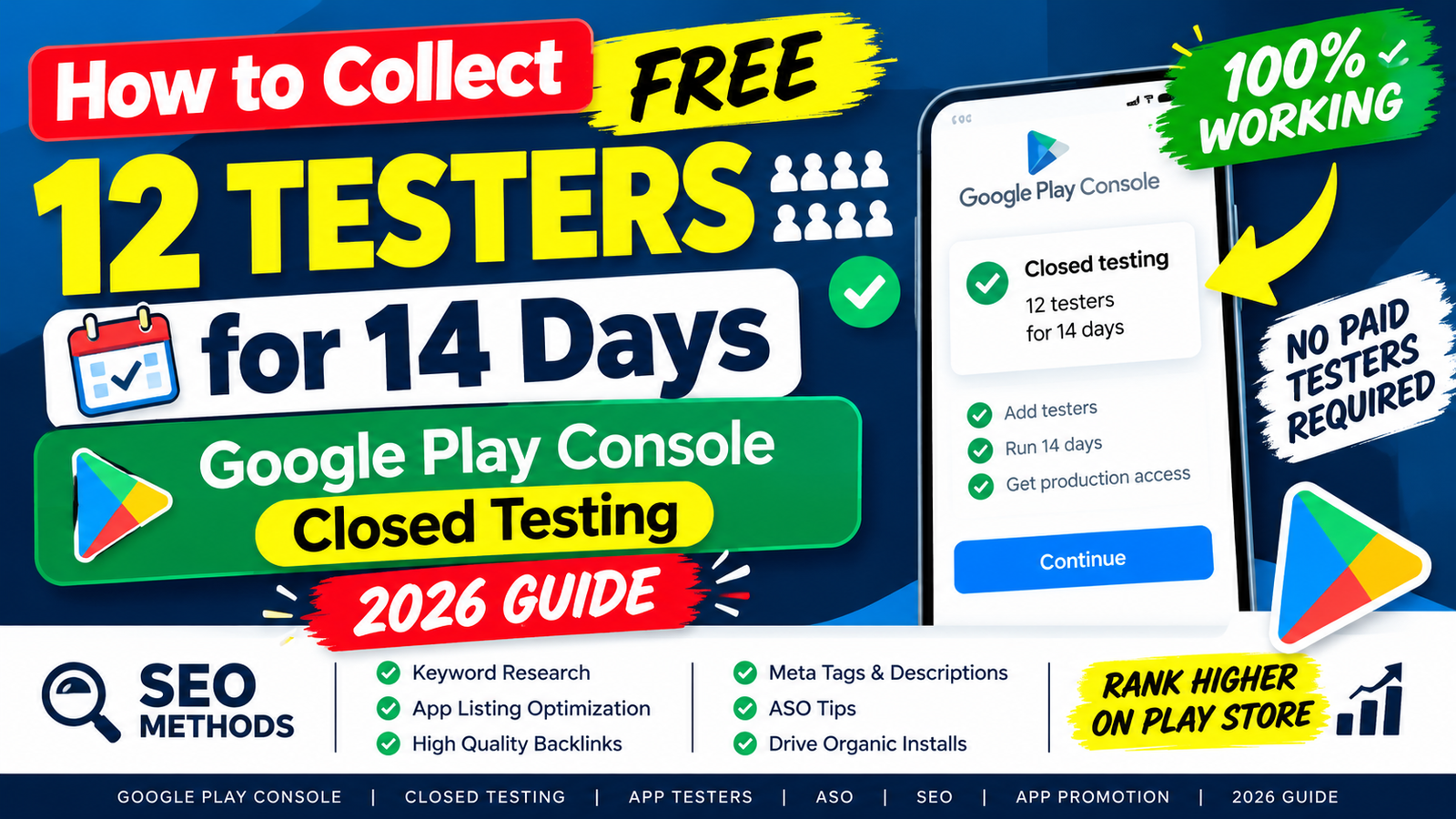
If you have recently registered a personal Google Play Developer account, you know the single biggest hurdle standing between your Android app and the public store: Google's mandatory closed testing requirement.
Before you can make your application available for public download, Google requires you to run a closed test with a minimum of 12 verified testers who must remain continuously opted-in for at least 14 consecutive days.
For independent developers, solo engineers, and early-stage startups, recruiting 12 reliable users who won't uninstall the app mid-way through can feel like a nightmare. Many turn to informal social media groups or casual family contacts, only to face an administrative rejection from Google stating "More Testing Required" after two full weeks of waiting.
This ultimate guide breaks down what closed testing actually requires, details how to get verified 100% free testers through Handshake Testing on inTesters, explains why testing tracks get rejected, and provides an actionable blueprint to unlock live production access on your very first try.
What Is Google Play Closed Testing? (And Why Google Mandates It)
To combat spam apps, low-quality software clones, and security risks, Google introduced strict quality controls for personal developer accounts created after November 13, 2023.
Under these rules, options like public Production and Pre-registration remain grayed out and disabled until you fulfill a pre-launch quality gate:
[Upload Signed .AAB] ➔ [Closed Testing: 12+ Testers / 14 Days] ➔ [Production Access Questionnaire] ➔ [Live Store Release]
The Non-Negotiable Rules of the 14-Day Track:
At Least 12 Opted-In Testers: You must have 12 or more users accept your Play Store testing invitation and install your app bundle (
.aab) onto real physical devices.14 Consecutive Days of Active Enrollment: The 14-day timer starts when your 12th tester opts in. If a user uninstalls your app on day 10 and your active count drops to 11, your consecutive streak breaks, resetting the clock to day one.
Genuine User Telemetry: Simply leaving an app installed in the background isn't enough. Google's review algorithms analyze user engagement metrics (session length, navigation depth, and crash rates) through Google Play Services.
Free Testers Method: Handshake Testing on inTesters
When looking for free testing solutions, developers often turn to Reddit forums or Facebook "install-swap" groups. However, casual swaps are notoriously unreliable; strangers regularly uninstall your app within 48 hours, causing your 14-day streak to collapse.
The most effective, community-driven way to collect free, verified testers is through Handshake Testing on inTesters.
What Is Handshake Testing?
Handshake Testing operates on a structured Mutual Peer Testing Model tailored specifically for verified Android developers. Rather than begging strangers to test your app, you join an active developer network where members test each other's applications in an organized, verified ecosystem.
Why Handshake Testing Works (The Free Features):
100% Free Access: Allows solo developers to recruit 12+ verified testers under 24 hours without upfront costs.
Extended 16-Day Testing Buffer: While Google mandates 14 days, the Handshake program runs your test for 16 days. This extra 2-day safety margin protects your track from unexpected drop-offs.
Daily Testing Proof Verification: Members submit daily visual proof logs to confirm active engagement and eliminate inactive "ghost" testers.
Verified Developer Community: You are paired with real creators who understand Play Console guidelines and won't uninstall your app mid-cycle.
Step-by-Step: How to Set Up Handshake Testing for Free
1.Configure Your Closed Track:Google Play Console Setup.
Log into your Play Console, go to Testing > Closed testing, create a track (e.g., "Alpha Track"), and upload your signed Android App Bundle (.aab).
2.Create Your Free Account:inTesters Portal.
Head to inTesters.com, register your developer profile, and select the free "Handshake Testing" option.
Link Your Opt-In Web URL:Community Sync.
Copy your Play Console's Google Group email or opt-in URL, paste it into your Handshake dashboard, and commit to peer-testing other community apps to earn credits.
4.Monitor Daily Session Telemetry:Maintain 14-Day Streak.
Track member engagement through your dashboard. Verified testers will opt-in, install your app, and submit daily engagement logs for 16 straight days.
Why DIY & Free Closed Testing Tracks Get Rejected
After completing 14 days, developers submit an application form asking Google for Production Access. Many developers wait out the two weeks only to receive a rejection email stating: "Your app requires more testing before it can be pushed to production."
Understanding the root causes of these rejections helps you avoid repeating the cycle:
1. The "Ghost Tester" Inactivity Trap
If users download your app, open it once for 3 seconds, and never launch it again, Google flags the data as artificial. Google measures active engagement, not just passive installs.
2. Mid-Cycle Uninstalls
When relying on casual acquaintances or forum swaps, users frequently delete your app to clear phone storage. Dropping below 12 active users at any point instantly breaks your consecutive streak.
3. Emulator and Bot Usage
Automated swap pools often use desktop emulators (like BlueStacks) to simulate installs. Google detects virtual hardware signatures effortlessly, which can result in a policy violation on your developer profile.
4. Flawed Questionnaire Answers
When applying for production, you must answer a 10-question Production Access Questionnaire. Writing vague responses like "No bugs were found" signals to reviewers that no genuine quality assurance took place.
Need Guaranteed Approval? Handshake vs. Pro Testing
While Handshake Testing provides an incredible, cost-free solution through peer testing, managing daily swap commitments can take time away from coding.
If you are running on a tight launch deadline or want to completely eliminate the risk of a 14-day reset, upgrading to Pro Testing on inTesters is the most reliable path.
┌─────────────────────────────────────────────────────────────────────────────┐
│                      Handshake Free vs. Pro Testing                         │
├──────────────────────────────┬──────────────────────────────┬───────────────┤
│ Feature                      │ Handshake (Free)             │ Pro Testing   │
├──────────────────────────────┼──────────────────────────────┼───────────────┤
│ Cost                         │ $0 / Free                    │ One-Time Fee  │
│ Tester Type                  │ Peer Community Developers    │ 15-25 Vetted  │
│                              │                              │ Pro QA Staff  │
│ Daily Commitment             │ Must test other dev apps     │ Zero effort;  │
│                              │                              │ fully managed │
│ Tester Buffer                │ 12-15 Testers                │ 20-25 Testers │
│ Production Answers Support   │ Community Guides             │ Fully Mapped  │
│                              │                              │ Questionnaire │
│ Approval Guarantee           │ Community Best Effort        │ 100% Approval │
│                              │                              │ Guarantee     │
└──────────────────────────────┴──────────────────────────────┴───────────────┘
Why Developers Upgrade to Pro Testing:
Fully Managed QA Campaign: A dedicated QA team assigns 15 to 25 vetted human testers using physical Android devices across diverse hardware specs and OS versions.
Organic Session Telemetry: Trained testers open your app daily and actively explore submenus, fill out forms, and trigger core features for 2 to 3 minutes per session.
Detailed Crash & Bug Logs: Receive technical diagnostic reports detailing UI bugs, memory leaks, and performance issues before submitting your app to Google.
Questionnaire Form Mapping: Get direct support and technical logs to help you complete Google's 10-question Production Access Questionnaire with absolute precision.
Summary
Recruiting 12 testers for 14 days doesn't have to break your budget or stall your launch. Avoid casual swap groups that lead to shallow session lengths and unexpected drop-offs. Leverage Handshake Testing on inTesters to build an organic, verified network of peer developers for free, or upgrade to Pro Testing to secure your production access guarantee and launch your Android app with complete confidence.
About the Author

Pratyush Kumar Thakur
Expert software tester and contributor to the community. Passionate about AI, automation, and user experience.