
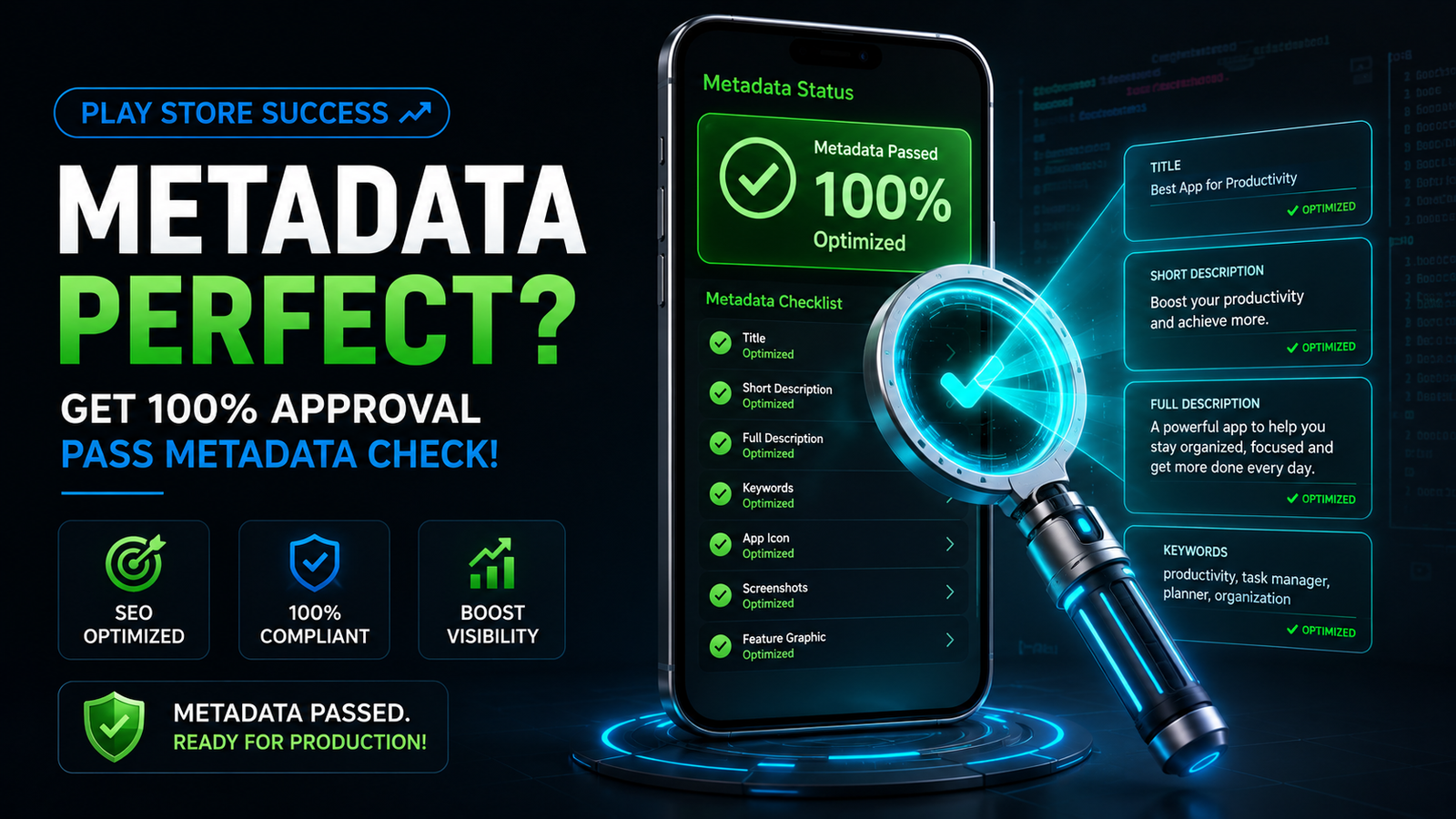
When you prepare to upload an Android app to the Google Play Store, it is easy to get hyper-focused on code compilation, API levels, and feature bugs. But here is an industry reality check: your app store metadata determines whether your app lives or dies. Your Main Store Listing is your digital storefront. It is the exact interface where casual searchers turn into active users, or walk away forever.
Furthermore, Google has introduced aggressive quality-control filters and strict automated review rules. If your store text, graphic assets, or background compliance links deviate slightly from their policy parameters, your app bundle (.aab) will be blocked by a Metadata Policy Violation, completely stalling your launch timeline.
This comprehensive guide details exactly how to complete the store listing on the Google Play Console, optimize your textual and visual elements for App Store Optimization (ASO), and clear background policy gates flawlessly.
The Strategic Architecture of a High-Ranking Store Listing
Google Play uses sophisticated machine-learning crawlers to parse your store listing metadata. This text determines which keywords your app index ranks for when a user types a query into the Play Store search bar.
To maximize organic search volume, you must balance precise keyword density with natural, human-readable copywriting.
1. The App Title (The Highest Weighting Indicator)
The Constraint: Strictly capped at a maximum of 30 characters.
The Strategy: Do not waste characters trying to stuff multiple keywords into your name. Pick a clear, memorable brand name and, if space allows, pair it with one core functional keyword (e.g., “Trackify: Budget Planner”).
The Policy Trap: You are legally prohibited from using text that implies store performance, ranking, or pricing metrics. Including terms like “#1,” “Best App,” “Top Rated,” “Free,” or “Sale” in your title will cause an immediate automated rejection.
2. The Short Description (The Conversion Catalyst)
The Constraint: Capped at a maximum of 80 characters.
The Strategy: This is the snippet users read from the search results screen before clicking on your app page. Focus entirely on your app’s primary value proposition. State exactly what the app does and why the user needs it within one punchy sentence.
3. The Full Description (The ASO Engine)
The Constraint: Capped at a maximum of 4,000 characters.
The Strategy: Use this space to thoroughly explain your features, workflows, and user benefits. Use clean formatting, bullet points, and subheaders to keep it scannable for humans.
The Policy Trap: Avoid keyword stuffing. Repeating phrases like “best music app, offline music player, download free music” over and over looks incredibly spammy to users and triggers Google's metadata spam algorithm, resulting in your listing being flagged and suppressed. Integrate your primary and secondary keywords naturally throughout the prose.
The Graphics & Creative Assets Blueprint
Your text gets users to your page, but your visual assets convince them to hit "Install." All graphics must be cohesive, professional, and adhere to exact structural dimensions.
Before submitting your app, make sure your store listing assets meet Google's requirements.
App Icon:
Your app icon should be 512 × 512 pixels in PNG format. Keep the design clean and recognizable, use consistent brand colors, and avoid small text that may become unreadable on mobile devices.
Feature Graphic:
The feature graphic should be 1024 × 500 pixels and serves as the main visual banner for your Play Store listing. Place important branding elements near the center of the image to ensure they remain visible across different screen sizes and layouts.
Phone Screenshots:
Google requires at least two screenshots, though you can upload up to eight. Focus on making the first few screenshots count, as they are often the first thing potential users see. Highlight your app's key features with clear visuals and short, easy-to-read captions that quickly communicate the value of your app.
Resolving the Privacy Policy Requirement Without a Website
To complete your App Content declarations and store presence settings, Google mandates that you provide a live, fully accessible Privacy Policy URL. Your app cannot leave draft status without this link.
If you are an independent creator or a small startup, you might not own a fully functional corporate website or domain name yet. Do not panic—you do not need to purchase expensive web hosting just to host a privacy text document.
[Generate Text via Privacy Generator] ➔ [Paste into Telegrp.ph Workspace] ➔ [Publish & Extract HTTPS Link] ➔ [Insert directly into Play Console]
You can utilize secure, clean text-hosting environments to fulfill this requirement seamlessly:
The Telegra.ph Hack: Telegra.ph is a minimalist, completely free anonymous publishing tool managed by Telegram. It requires zero registration or account setup. You can simply open the site, paste your app’s privacy policy text, add a title, and hit Publish.
The Requirements: The platform generates an instant, permanent
https://telegra.ph/your-app-privacylink. This URL is completely clean, contains zero third-party display advertisements, loads instantly on both mobile and desktop browsers, and perfectly satisfies Google’s requirement for a functional, secure HTTPS domain.
Step-by-Step Guide to Completing the Submission Process
Once your copy, images, and privacy links are finalized, log into your console and execute this specific operational sequence:
1.Navigate to Main Store Listing:Grow Section.
Open your app dashboard, scroll down to the Grow section on the left-hand menu, click on Store presence, and select Main store listing.
2.Input Text Metadata:Text Integration.
Input your verified App Title, Short Description, and Full Description into their respective fields while monitoring the character counters.
3.Upload Creative Assets:Visual Allocation.
Drag and drop your $512 \times 512$ icon, your $1024 \times 500$ feature graphic, and your phone/tablet screenshots into their designated upload slots.
4.Attach Privacy Policy Link:App Content Setup.
Navigate to Policy > App content on the bottom of your sidebar. Locate the Privacy Policy section, paste your secure link, and click Save.
5.Submit to Publishing Overview:Final Hand-Off.
Go to your Publishing overview tab, review your metadata changes, and click Submit for review to send your storefront data to Google’s review board.
The Ultimate Publishing Reality: Surviving Closed Testing
Completing your Main Store Listing is a major milestone, but if you are operating on a new Personal Developer Account, your application is still locked behind a massive policy check. Google explicitly blocks personal dashboards from launching apps straight to production.
To break out of draft status, you are legally forced to pass through the mandatory closed testing gauntlet: you must recruit a minimum of 12 verified testers who must keep your application installed and actively test it for 14 consecutive, uninterrupted days before you can apply to go live.
Why Community Exchange Networks Fail
Many independent creators try to bypass this rule by joining free installation swap forums on Reddit or Discord. This approach regularly results in an immediate rejection from Google's manual review board.
Casual community users naturally practice an "open and close" routine. They click your link, open the software for three seconds to log an install, and exit immediately. Google's console metrics track background telemetry and session length. If your track displays entirely shallow sessions or if a single user uninstalls your app on day 11, your 14-day streak breaks, and your launch timeline resets to zero—wasting weeks of market momentum.
Streamline Your Approval via Managed Professional Testing
To completely eliminate the risk of a 14-day reset loop, smart developers deploy a managed professional closed testing service early in their distribution cycle. Partnering with a dedicated network of vetted QA specialists ensures your application meets Google's strict telemetry expectations on your very first attempt.
A premium professional testing service completely handles compliance logistics by providing:
Guaranteed 14-Day Track Continuity: Hands-on oversight to ensure your track metrics run seamlessly without a single day of data drops.
20+ Vetted, Real-Device Testers: Provides a reliable safety buffer over the mandatory minimum. Every tester uses a unique, physical Android phone tied to an active Google Play account—no emulators or virtual machine profiles allowed.
Organic Deep Engagement Tracking: Vetted testers actively engage with your app interface for a minimum of 2–3 minutes per session, exploring features to generate the clean, active user data Google's manual reviewers look for.
Actionable QA Bug Reports: Structural diagnostic logs charting device performance across various hardware configurations (Samsung, Pixel, OnePlus, etc.) and differing Android API levels to polish your software before launch.
Production Questionnaire Support: Complete data mapping to help you confidently complete Google's strict 10-question production access application form with ease.
Summary
Successfully launching an Android app requires balancing technical coding with highly disciplined publishing management. Design a gorgeous and transparent store listing, naturally integrate high-value keywords while avoiding spam techniques, use clean links for your documentation policies, and handle your mandatory testing requirements with professional discipline to scale your global app successfully.
About the Author

Pratyush Kumar Thakur
Expert software tester and contributor to the community. Passionate about AI, automation, and user experience.