
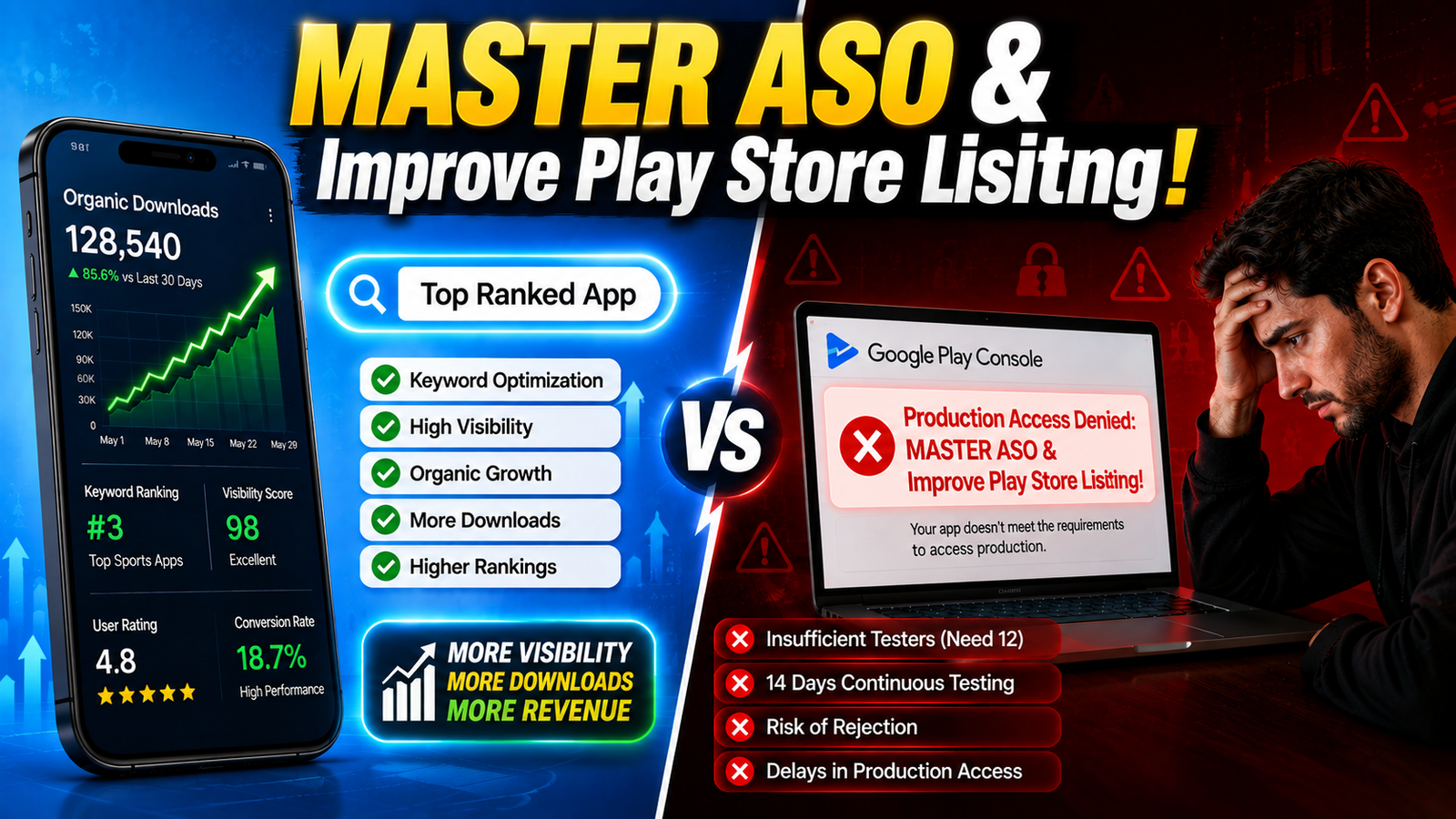
Optimizing your store presence through App Store Optimization (ASO) is the single most cost-effective way to drive organic downloads.
You spent months building code, tweaking layouts, and fixing bugs. Your Android application is polished, responsive, and ready to take on the market. But once you publish it on the Google Play Console, crickets.
Why? Because building a great app is only half the battle. If your Google Play Store listing doesn't catch a user’s eye in three seconds or speak the search algorithm's language, your app will remain buried in the search results.
The Core Components of a Google Play Store Listing
To master ASO, you must first understand the structural pieces inside the Google Play Console that make up your storefront. Every element falls into three functional buckets: discoverability, conversion visuals, and trust compliance.
1. App Name (Title)
Your app title has the heaviest keyword weighting in the Play Store algorithm. You get a strict maximum of 30 characters. Avoid stuffing random terms or generic slogans. Instead, blend your brand name with your primary high-value keyword (e.g., “BudgetPro: Expense Manager”).
2. Short Description
Capped at 80 characters, this acts as your elevator pitch. It appears directly on search preview cards and should instantly communicate the primary benefit of your software without keyword stuffing.
3. Full Long Description
You have up to 4,000 characters to lay out your features, use cases, and benefits. Google indexes this text thoroughly. The golden rule is to place your core keywords naturally within the first two to three sentences, followed by structured feature breakdowns, bullet points, and a clear call-to-action.
4. Visual Assets: Icon, Feature Graphic, and Screenshots
App Icon (512x512px): Your brand's visual anchor. Keep it clean, unique, and recognizable even at small scales. Avoid embedding tiny text inside your icon.
Feature Graphic (1024x500px): A cinematic banner image displayed across promotional slots and store headers. Treat it as a billboard that showcases your app’s core vibe or utility.
Screenshots (3-8 recommended): Do not just upload raw, unedited UI screens. Use bold caption text overlays on top of your screenshots to narrate a story highlighting key features, deals, or workflows. The first three screenshots are critical because users see them instantly without scrolling.
5. Categorization and Custom Store Listing Tags
Choosing the correct primary category (e.g., Productivity, Tools, Finance) alongside targeted search tags ensures Google’s algorithm routes your app traffic toward relevant user intent.
Competitive Analysis: What Are Most ASO Guides Missing?
Most generic optimization articles stop at basic keyword placement. To outrank competitors in competitive niches, you need to leverage advanced growth strategies:
Ignoring Conversion Rate vs. Impression Volume: Ranking high for a broad keyword brings traffic, but if your screenshots and short description don't convert that traffic, your ranking will eventually drop. Google rewards apps that maintain high conversion-to-install ratios.
Failing to Leverage Store Listing Experiments: The Play Console offers native A/B testing tools (Store Listing Experiments). Top developers continuously test variations of their feature graphics, icons, and localized text to track 1-day retention and acquisition uplifts.
Neglecting Localization Depth: Simply translating text via tools isn't enough. High-ranking apps localize their metadata, visual styles, and terminology to match regional user intent and cultural preferences.
Don't Let App Rejections Stall Your Store Listing Launch
You can spend weeks perfecting your keyword strategy, crafting high-converting graphics, and optimizing every metadata field—only to have your update halted or your app blocked by strict Google Play Console review guidelines.
For developers—especially those managing new accounts—navigating mandatory closed testing hurdles, compliance checks, and production access rules can push back launch schedules for weeks.
If you want to skip the headache of automated rejections, erratic volunteer testers, and compliance guesswork, you can secure professional testing support.
Why Choose Professional Managed Testing?
15-20 Days Testing Cycle: Fully aligned with Google's observation windows to protect your account streak.
15-25 Vetted Testers: Real, active users on diverse hardware configurations.
Google Play Production Answers: Expertly formulated insights to clear your production questionnaire effortlessly.
Managed by an Expert Team: Complete hands-off execution so you can focus entirely on ASO and product growth.
Detailed Bug Reports & Compliance Checks: Pre-flight checks ensuring your build satisfies every policy requirement before submission.
Perfect your store listing, secure your production clearance, and watch your organic downloads climb from day one.
About the Author

Pratyush Kumar Thakur
Expert software tester and contributor to the community. Passionate about AI, automation, and user experience.