
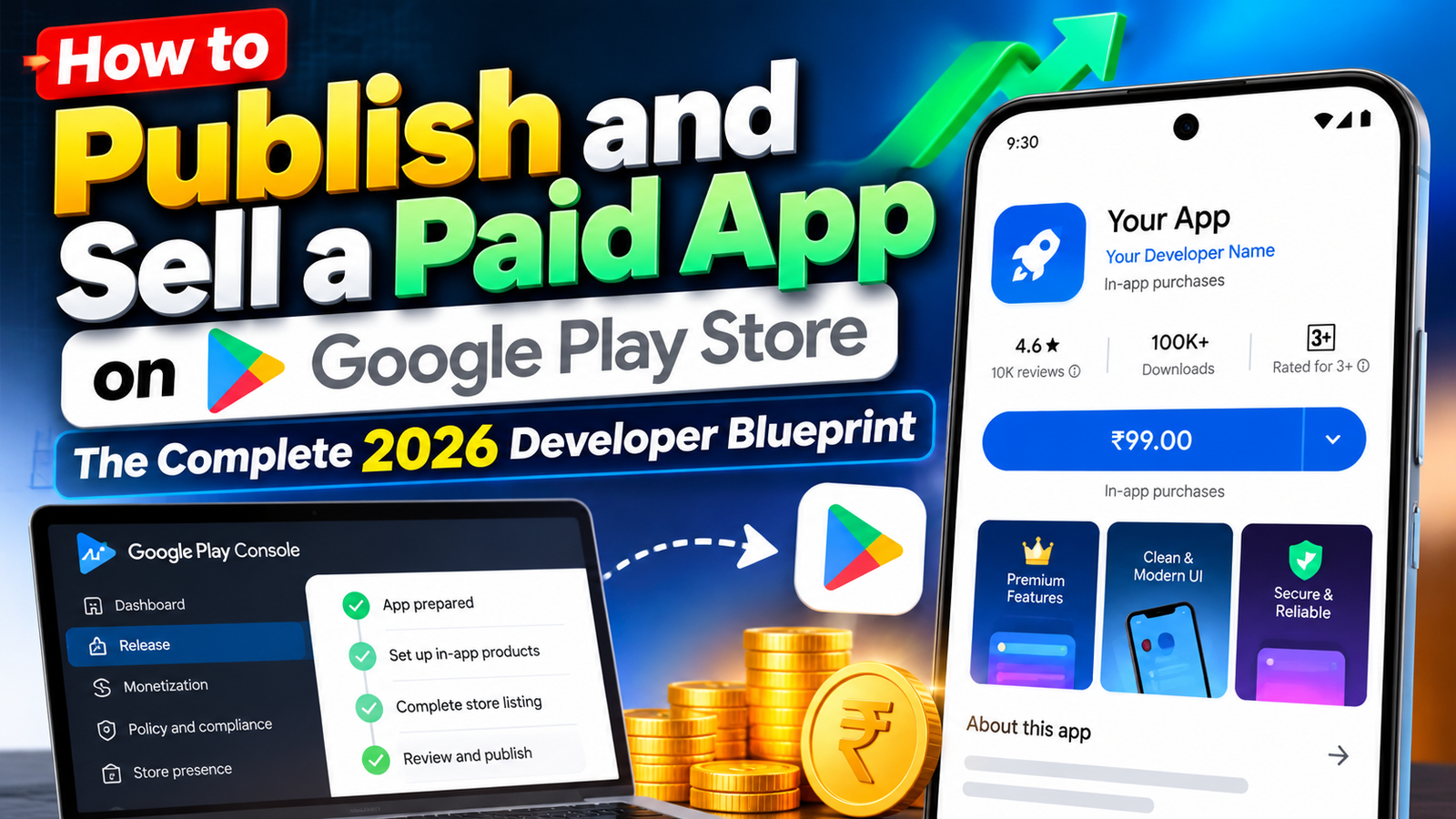
Publishing a paid app on the Google Play Store is a highly rewarding way to monetize your software engineering efforts. Link your Google Merchant Profile early, set your default currency and PPP pricing thoughtfully, complete your Data Safety and policy declarations accurately, and manage your mandatory closed testing track with professional discipline to scale your paid application globally.
Monetizing an Android application through an upfront purchase model is one of the cleanest ways to build a sustainable software business. Unlike ad-supported or freemium apps that rely on high download volumes to generate revenue, selling a paid app allows you to earn income directly from your very first download.
However, transforming an Android App Bundle (.aab) into a paid product on the Google Play Store involves a specific administrative, financial, and compliance workflow. If you attempt to switch an app from free to paid after publication, or fail to link your financial accounts correctly, Google’s platform rules will permanently lock your monetization parameters.
This ultimate, step-by-step guide covers how to set up, price, and publish a paid app on the Google Play Console, explains the critical rules around financial accounts, and outlines how to pass Google's mandatory pre-launch quality gates on your first try.
The Essential Rule: Setting Up Your Google Merchant Account
Before you can mark an application as "Paid" inside the Play Console, you must establish a verified Google Merchant Profile (Payments Profile). This financial profile processes customer credit card transactions, calculates regional value-added taxes (VAT/GST), and handles direct bank payouts.
[Play Console Settings] ➔ [Payments Settings] ➔ [Set Up Merchant Account] ➔ [Link Business & Bank Info]
How to Link Your Merchant Profile:
Open your Google Play Console dashboard.
Navigate to Settings > Payments settings on the left menu.
Click Set up a merchant account.
Input your official legal business details, tax identification numbers, and primary payout bank account.
The Permanent Setting Trap: Once you publish an app as Free, Google Play policy forbids you from ever changing that specific package name (
com.yourcompany.app) into a Paid app. If you want to charge an upfront price for an app currently listed as free, you are forced to create a brand-new package ID, set up a new store listing, and republish it as a paid product from day one.
5 Steps to Publish Your Paid App
Once your Merchant Profile is active, follow this operational sequence to configure pricing and distribution:
1.Create Your App & Set Default Pricing:Console Setup.
Open Play Console, click "Create App", choose your default language, and explicitly select "Paid" under the Free/Paid toggle switch. Set your base price in your home currency.
2.Configure Regional Prices & Local Taxes:Global Compliance.
Play Console automatically converts your base price across global currencies. Access the "App pricing" panel to manually adjust purchasing power parity (PPP) rates or manage regional sales tax configurations for individual countries.
3.Build High-Converting Listing Assets:Store Setup.
Upload high-resolution screenshots, a 512x512 app icon, a 1024x500 feature graphic, and an ASO-optimized short description. Because users must pay upfront, high visual quality and a clear value proposition are critical for conversions.
4.Complete Compliance & Data Safety Declarations:Policy Review.
Fill out the IARC Content Rating questionnaire, submit your Data Safety form, link a live Privacy Policy URL, and disclose any sensitive hardware permissions requested by your app bundle.
5.Configure Play App Signing & Upload AAB:Distribution.
Upload your signed Android App Bundle (.aab), ensure Google Play App Signing is configured, write your initial release notes, and submit your build for policy review.
Navigating the Closed Testing Gate on New Accounts
If you are publishing your paid application under a Personal Developer Account created after November 2023, you face Google's major publishing barrier: the mandatory closed testing track requirement.
Before Google unlocks your "Production" track and allows you to charge users on the public store, you are required to run a closed test with a minimum of 12 verified testers who must keep your application installed and actively test it for 14 consecutive, uninterrupted days.
Why Free Community Exchange Groups Trigger Rejections
Many independent developers try to clear this 14-day requirement by joining free "install-swap" forums on Reddit, Facebook, or Discord. However, after waiting two weeks, they frequently receive an automated rejection email stating: "Your app requires more testing before it can be pushed to production."
This happens because casual forum contacts practice an "open and close" routine—installing the app, opening it for three seconds to log an install, and never touching it again. Google tracks background user telemetry via Play Services. A history of shallow 3-second interactions flags your testing track as artificial, resetting your 14-day clock back to zero and delaying your launch.
Secure Your Production Launch via Managed Professional Testing
To eliminate the risk of a 14-day reset loop and ensure your paid app passes Google's production review on your very first try, the most effective approach is to leverage a managed professional closed testing platform like inTesters.
Instead of chasing down unreliable contacts, a professional testing service provides an organized network of 20+ real human testers using unique, physical Android smartphones.
Key Benefits of Professional Closed Testing:
Guaranteed 14-Day Track Stability: Continuous monitoring ensures your active user counts remain well above the mandatory minimum of 12, preventing streak resets.
Real Physical Devices: Vetted testers use genuine Android hardware (Samsung, Pixel, OnePlus, Xiaomi, etc.) across various OS versions—never emulators.
Organic Deep Engagement: Testers open your application daily and actively navigate submenus, test UI flows, and verify feature stability for 2 to 3 minutes per session, generating the clean telemetry Google expects.
AI-Verified Daily Proof Logs: Automated verification systems review daily visual proof screenshots to confirm authentic human engagement every single day.
Questionnaire Support: Receive detailed crash logs, compatibility reports, and feedback summaries to help you easily complete Google's strict 10-question Production Access Questionnaire.
Comparative Analysis: What Other Publishing Guides Miss
When researching how to launch paid apps, many online guides omit crucial operational details that lead to compliance delays:
The Strikethrough Pricing Feature: Google Play allows you to run temporary "Sales" on paid apps (e.g., discounting an app from $4.99 to $0.99 for 7 days). However, you must establish a base price for at least 30 days before running your first strikethrough price promotion.
Merchant Account Unlinking Restrictions: Once a Google Merchant Profile is linked to a Play Console, it cannot be unlinked or swapped to a different business profile. Ensure your corporate or tax details are 100% accurate before clicking submit.
Handling Refund Windows: Paid apps automatically grant users a 2-hour immediate self-service refund window directly within the Play Store. Your backend architecture should gracefully handle license revoking via the Google Play Licensing Service (LVL) if a purchase is canceled within this window.
About the Author

Pratyush Kumar Thakur
Expert software tester and contributor to the community. Passionate about AI, automation, and user experience.