
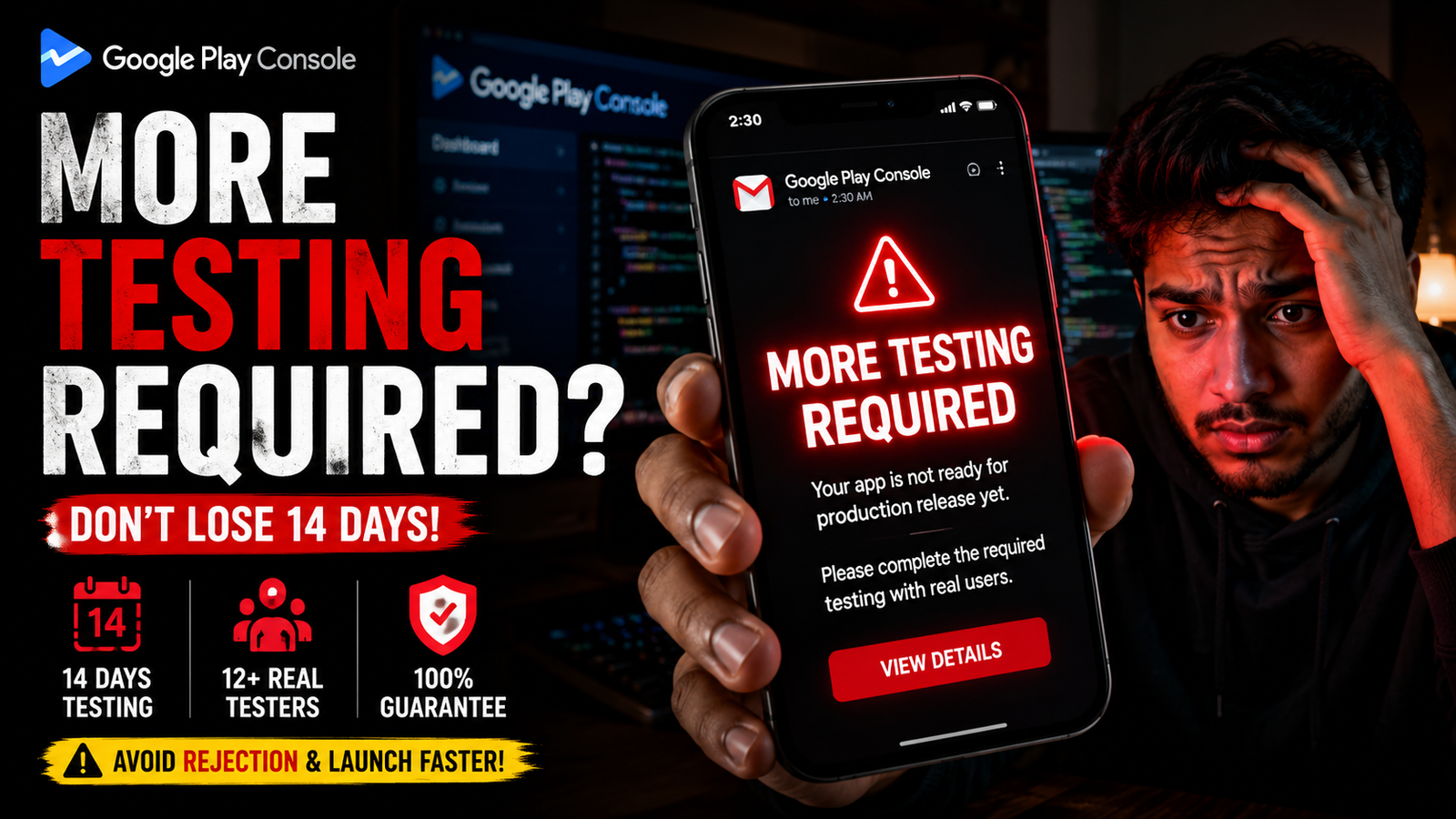
A closed testing rejection is a frustrating setback, but it is a hurdle you can clear with the right strategy. Stop cutting corners with inactive public forum swaps that trigger automated flags. Build a clean, active testing track, deploy real physical devices, push regular updates, and present Google with the flawless engagement data required to open your path straight to production.
Hitting the 14-day mark on your closed testing track feels like reaching the finish line. You've kept your track active, filled out Google’s production access form, and clicked submit—only to receive the dreaded email response: "Your app requires more testing before it can be pushed to production."
Just like that, your entire launch timeline is shattered. Google has rejected your request, and the console automatically resets the gate, demanding that you run another consecutive 14-day testing cycle. For independent developers and startups, losing another two weeks to an administrative loop is incredibly frustrating.
A closed testing rejection is a formal decision by human reviewers and background algorithms and not a random glitch. If your application was denied, your testing track left behind telltale digital footprints that triggered Google's quality flags.
This guide breaks down the real reasons why Google Play closed testing gets rejected, how to interpret Google's subtle feedback signals, and the exact steps to turn a rejection into a production approval on your next attempt.
The Technical Anatomy of a Closed Testing Rejection
When you apply for public production, Google evaluates three distinct pillars of your test track: user engagement data, developer behavior, and application stability. If your track is missing any of these elements, it will be flagged.
The primary reasons applications are rejected include:
[Fake/Bot Traffic Flags] ➔ [Static/Unchanging Build] ➔ [Vague Questionnaire Answers] = Production Rejection
1. Inactive Testers & The "Ghost Track" Trap
The single most common mistake is relying on casual "swap groups" on Reddit, Facebook, or Discord. These users will install your app, open it once for three seconds, and never touch it again.
Google tracks precise user engagement telemetry through Google Play Services. If their system logs show a pattern of shallow, 5-second sessions where users look at the title screen and exit, the track is flagged as artificial.
2. Testing Exclusively on Emulators or Cloud Bots
If your testers are using desktop emulators (like BlueStacks), automated cloud testing scripts, or identical virtual hardware signatures, Google’s bots catch it instantly. Google mandates real human testers using unique, physical Android smartphones tied to active, aged Google billing profiles.
3. The "Static Build" Red Flag (Zero Updates)
In the real world, a pre-release app always has bugs, typos, or scaling issues. If you upload a single Android App Bundle (.aab), wait 14 days, and never push an update, Google assumes you aren't actually listening to feedback. Failing to iterate and push at least one optimized build mid-cycle is an instant red flag to manual reviewers.
4. Ignoring Screen Depth Exploration
Google logs which layouts and screen views are actively triggered during a test. If your app features five complex navigation tabs, but your testing pool never moves past the login screen or home layout, Google's system flags the track for insufficient testing depth.
5. Writing Short or Vague Production Answers
After your 14 days finish, you must answer a strict, 10-question technical questionnaire. Many developers treat this like a quick survey, writing one-sentence answers like "My friends tested it and it worked great."
Vague text entries trigger instant, automated rejections. Google expects detailed, technical breakdowns of your testing parameters, the exact device models utilized, a summary of user complaints, and clear explanations of the changes you implemented.
Step-by-Step Recovery Plan: How to Fix a Rejection
Note - Most Easy Way to complete testing without rejection is PRO Testing!
If you've already been rejected and are facing another 14-day penalty window, do not simply restart the clock with the same inactive testing group. You must overhaul your testing methodology immediately.
Step 1: Audit Your Console & Crash Analytics
Before changing your track settings, open your Play Console and navigate to Testing > Pre-launch report and check Quality > Crashes and ANRs (Application Not Responding errors). Google reviews these metrics. If your dashboard shows hidden memory leaks or unresolved background crashes across common device profiles while you claim the build is stable, your production access request will be blocked. Clean up these high-priority bugs before seeking new users.
Step 2: Push a Meaningful App Update
Modify your code—even if it's a minor UI adjustment, text correction, or performance tweak. Compile a fresh .aab bundle and push it as an update to your active closed testing track. This shows Google's reviewers that you are actively maintaining and iterating the product based on feedback.
Step 3: Enforce a Daily Interaction Rule
Reorganize your testing pool. Instruct your testers that simply opening the app does nothing. Every tester must actively engage with your interface for a minimum of 2–3 minutes per session every single day, testing inputs, clicking submenus, and exploring every single screen layout to generate clean, active user data.
Step 4: Rewrite the Production Access Questionnaire
Treat the 10 questions like a comprehensive engineering report. Aim for detailed, multi-paragraph descriptions for every response:
Detail your exact recruitment methods.
Specify the diverse device models your pool utilized.
List the actual bugs, layout anomalies, or text mistakes your testers discovered.
Outline the exact version numbers you deployed to resolve those issues.
Eliminate the Risk of Another Reset with Professional Testing
Coordinating 12 to 15 real people, managing their daily usage habits, tracking their phone models, and checking that no one uninstalls your app mid-cycle is an exhausting administrative distraction. If your testers drop out or slip into inactive habits, you risk wasting another 14 days in an endless loop of rejections.
To completely bypass this administrative stress and secure an approval on your very next attempt, the most effective strategy is to partner with a managed professional testing service like inTesters.
An enterprise testing framework ensures your application track generates the pristine, deep-engagement user telemetry that Google's manual review board expects, turning a stressful roadblock into a guaranteed, hands-off approval.
What an Expert Pro Testing Platform Delivers:
Guaranteed 14-Day Track Continuity: Continuous, round-the-clock track monitoring to ensure your data streams run perfectly without a single day of drop-offs.
20+ Certified, Real-Device Testers: Provides a reliable safety buffer over the mandatory minimum. Every single tester is a real person using a unique, physical Android phone tied to an active Google Play account—no emulators or virtual machine accounts allowed.
AI-Verified Daily Session Proof: Vetted testers capture screenshots of their daily sessions, which are vetted via an automated AI Screenshot Verification System to prevent fraud and confirm active interaction.
Organic Deep User Telemetry: Trained testers interact with your app for a minimum of 2–3 minutes per session, thoroughly exploring every screen layout to generate genuine user profiles.
Detailed Technical Bug Reports: Professional QA engineers stress-test your code logic, locate layout breaks, capture unexpected runtime memory crashes, and provide clean, actionable debug logs.
Production Access Form Support: Direct engineering support mapping out your technical test metrics, giving you the detailed text responses required to pass Google's strict 10-question production access questionnaire with ease.
About the Author

Pratyush Kumar Thakur
Expert software tester and contributor to the community. Passionate about AI, automation, and user experience.