
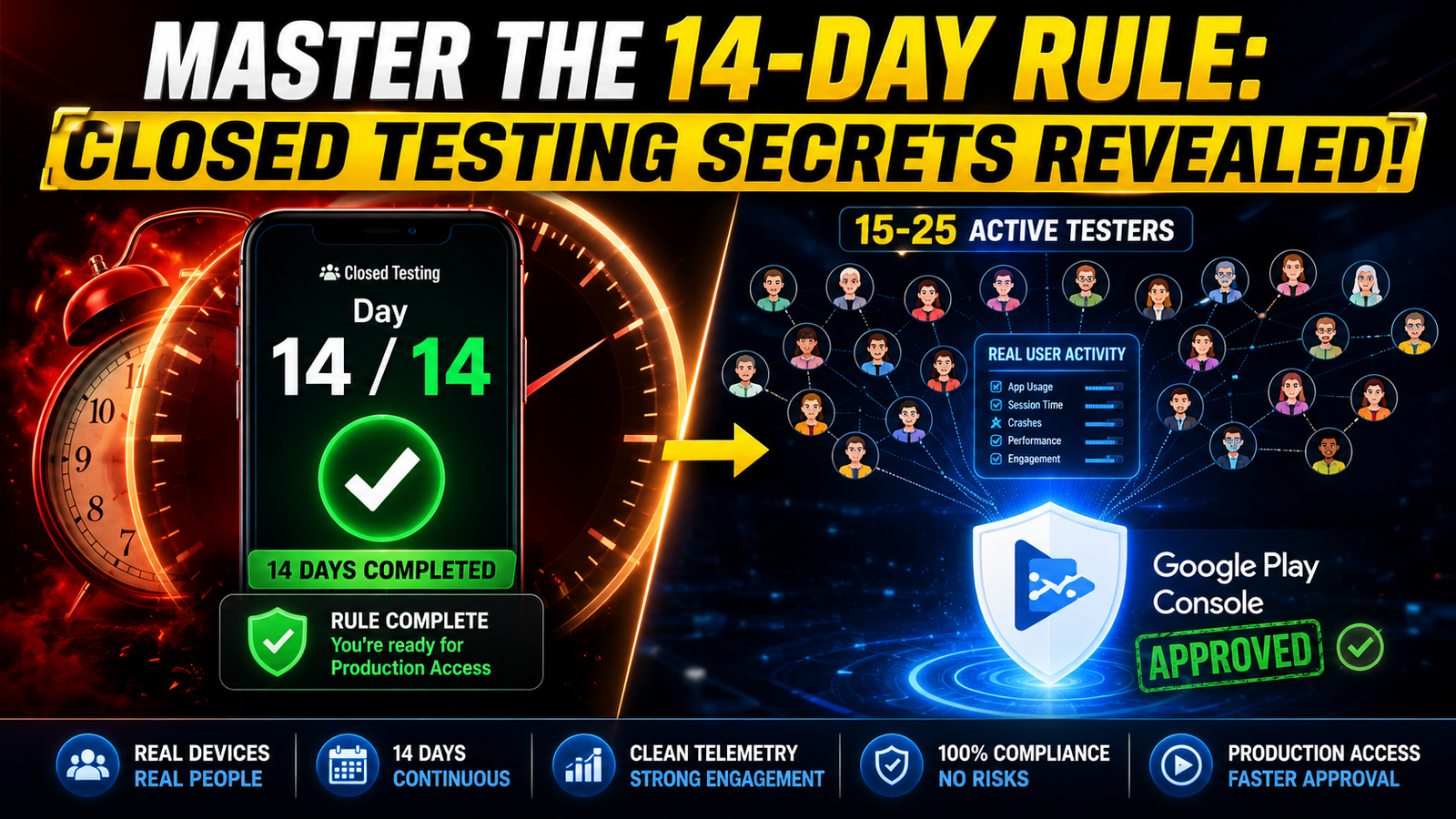
To pass Google's rigorous algorithmic and human reviews, you need a precise strategy. Let's break down everything you need to watch out for during your closed testing phase, how to upload your build correctly
You finally finished coding your Android app, wrapped it into an App Bundle, and uploaded it to the Google Play Console. You feel a wave of relief, thinking the hard part is over. Then reality hits: you run face-first into Google's mandatory closed testing policy.
For developers managing modern developer accounts, hitting the closed testing milestone is mandatory before you can ever unlock public production access. But simply throwing an app into a testing track and walking away for two weeks is the fastest way to get rejected.
The Golden Rules: What Testers Must Do During the 14-Day Cycle
Google’s automated systems do not just look at a digital calendar to see if 14 days have passed. They track granular telemetry, session frequency, and behavioral patterns. If your testers treat your app like a static file, your production access will be denied.
To satisfy the algorithm, your testers must follow strict engagement routines:
1. Maintain Extra Testers (The Safety Buffer)
Never aim for the absolute bare minimum of 12 testers. Life happens—people get busy, clear their phone storage, or accidentally opt out of the testing track. If your active tester count dips below 12 for even a single hour, your 14-day continuous streak breaks, resetting your progress. Always recruit a safety buffer of 15 to 25 testers to absorb any sudden dropouts.
2. Daily Open Sessions and Engagement
Testers cannot just download the app on Day 1 and never touch it again. Google tracks daily active usage. Your testers need to open the app consistently throughout the 14-day window. Consistent daily sessions signal to Google's automated reviewers that real people are actively evaluating a living, breathing software product.
3. Open Every Single Screen and Feature
A shallow test triggers red flags. Testers must actively explore your entire application interface. They need to click every button, navigate through every menu, test form inputs, toggle dark mode, and exercise core functionality. Deep navigation generates the telemetry data Google expects from a legitimate beta test.
4. Provide Genuine, Actionable Feedback
Google requires you to fill out a production access questionnaire detailing what feedback you received and what improvements you made. If your testers leave vague remarks like "Looks good", you will struggle to write a compelling questionnaire response. Testers should log specific observations, UI clipping bugs, or performance notes so you have real data to document.
Competitive Analysis: What Are Other Testing Guides Missing?
Most online advice tells developers to "just ask friends or family and wait two weeks." That surface-level advice completely ignores the operational traps that cause 80% of rejections:
Ignoring Iterative Updates: Many blogs forget to mention that you should push at least 2 or 3 minor patch updates (.aab bundles) during the 14-day window. Pushing updates proves to Google that you are actively utilizing the closed track to fix bugs.
Failing Pre-Launch Report Checks: Developers often ignore the automated Pre-Launch Report tab inside the Play Console. If your app has hidden memory leaks, UI crashes, or unhandled permission requests during testing, your production request will fail regardless of how many days passed.
The Danger of Inorganic Clicks: Relying on automated scripts or unnatural click patterns to fake engagement will instantly trigger Google's fraud detection algorithms, leading to account suspension.
Step-by-Step: How to Upload Your Build and Launch Closed Testing
If you are setting up your test track for the first time, follow this structured workflow inside the Google Play Console:
Prepare Your App Bundle (.aab): Ensure your build targets the correct API level, is signed with your production keystore, and has passed internal local debugging.
Create a Google Group or Email List: Group your testers using a stable Google Group or a clean CSV file of Gmail addresses to manage opt-in links safely without breaking tracking connections.
Set Up the Closed Testing Track: Navigate to the Play Console, go to Testing > Closed testing, click Create track, name your group, and upload your signed
.aabfile.Publish the Opt-in Link: Copy the public sharing link generated by the console and distribute it to your testers so they can opt in and download the app via the Google Play Store.
Monitor the 14-Day Timer: Keep track of your active tester count, push iterative bug fixes, and ensure daily engagement until your 14-day continuous window successfully concludes.
Avoid Testing Rejections: Get Professional Support
Managing a crowd of casual testers, tracking 14-day continuous streaks, checking daily screen engagement, and worrying about sudden dropouts can quickly turn your app launch into a stressful nightmare.
If you want to completely bypass the headache of automated rejections, erratic volunteer testers, and compliance guesswork, you can secure professional testing support.
Professional testing services provide:
15-20 Days Testing Cycle: Fully aligned with Google's extended observation windows to protect your account streak.
15-25 Vetted Testers: Real, active users on diverse hardware configurations who thoroughly explore every screen.
Google Play Production Answers: Expertly formulated insights and feedback logs to clear your production questionnaire effortlessly.
Managed by an Expert Team: Complete hands-off coordination so you can focus entirely on code optimization and product growth.
Detailed Bug Reports & Compliance Checks: Pre-flight checks ensuring your build satisfies every policy requirement before submission.
Protect your developer account, secure your production clearance, and get your app onto the Google Play Store smoothly.
About the Author

Pratyush Kumar Thakur
Expert software tester and contributor to the community. Passionate about AI, automation, and user experience.