
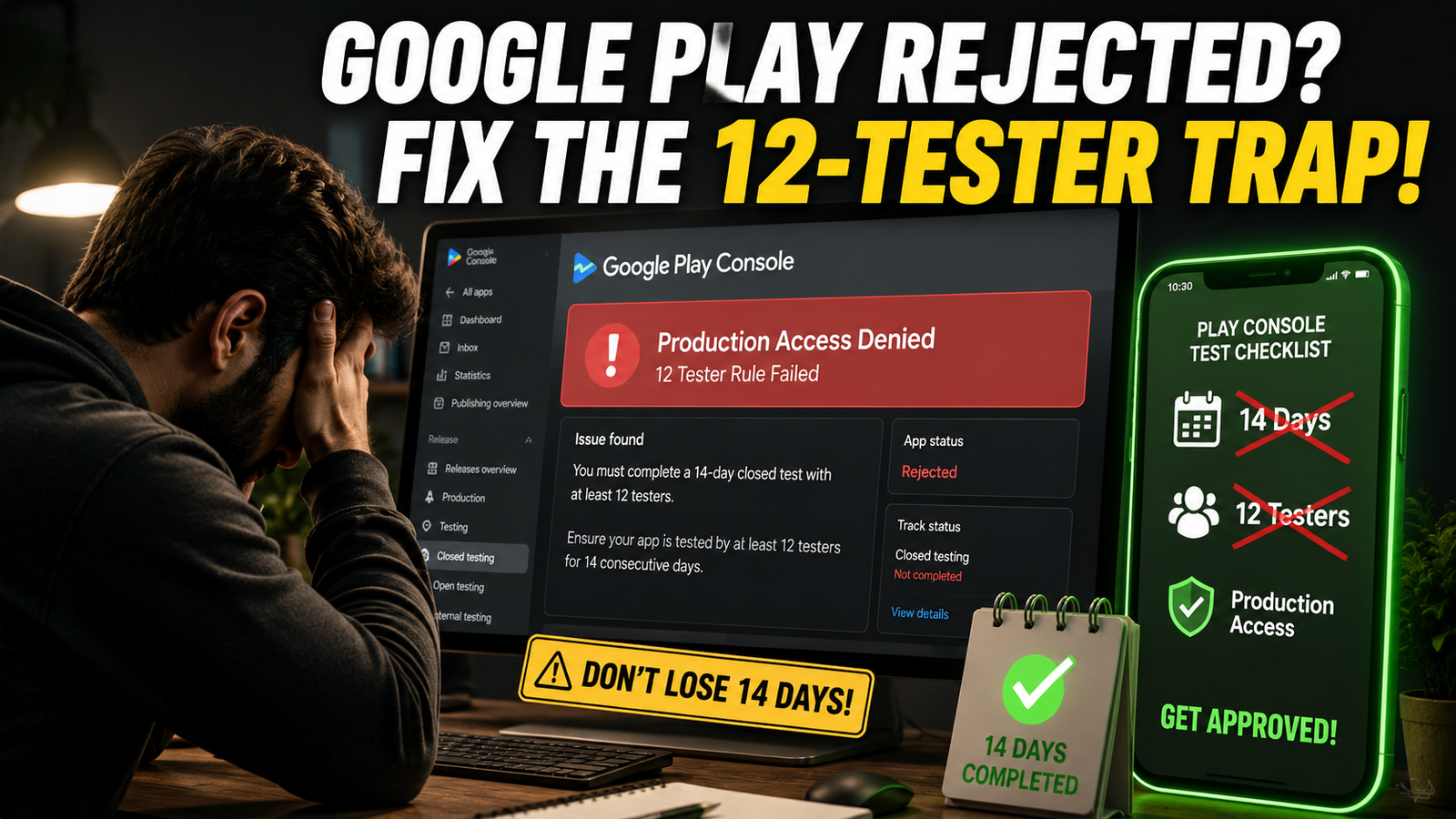
If you have recently submitted your app for production access on the Google Play Console only to be met with a frustrating "More testing required" or a flat-out rejection, you are far from alone.
For developers especially those with personal accounts created after November 2023, navigating the mandatory 12 testers for 14 consecutive days rule has become one of the hardest hurdles in Android development. You followed the steps, waited out the two weeks, hit submit, and got blocked anyway.
Why is Google cracking down so hard on closed testing, why do traditional DIY methods fail, and what can you do to secure your production access? Let's break it down.
The Core Reason: Why Google Play Is Rejecting Closed Testing Apps
Google’s automated systems and human review teams are no longer just checking if a timer hit zero. In recent updates, Google shifted to strict behavioral and engagement verification.
When your production access gets denied, it usually boils down to a few major triggers:
1. The "Friends and Family" Vulnerability Trap
Most independent developers turn to their immediate circle—friends, college peers, and family members—to meet the 12-tester quota. While convenient, this approach is deeply vulnerable for several reasons:
The Drop-Out Effect: Friends will enthusiastically opt in on Day 1, but by Day 5, life happens. They get busy, uninstall the app, or accidentally opt out. If your active tester count dips below 12 for even a moment during the 14 days, your continuous streak can break, forcing you to restart the clock.
Zero Engagement Signals: Friends rarely open the app daily, explore different UI screens, or test core features. Google’s AI tracks session lengths, click-through paths, and device telemetry. If 12 testers download the app, open it for five seconds once, and never touch it again, Google flags it as inauthentic engagement.
The Feedback Vacuum: Google requires you to collect feedback and answer specific production-readiness questions about what you learned and fixed. Friends usually just say "Cool app, bro"—which gives you nothing substantive to put into the Play Console questionnaire. Vague answers lead straight to rejection.
2. Lack of Iterative Updates (The "Dead Test" Problem)
Many developers upload one version (.aab) on Day 1 and leave it static until Day 14. Google expects a closed test to look like a real beta lifecycle. If you haven't pushed at least 2 or 3 minor updates or bug fixes during those 14 days to demonstrate that you are actively utilizing tester feedback, the algorithm views the test as a dummy run.
3. Pre-Launch Report Vitals & Stability Issues
Before you even apply for production, Google runs your app through automated pre-launch checks. If your app suffers from hidden crashes, high ANR (App Not Responding) rates, or requests sensitive permissions without a clear justification, your closed testing submission will be rejected on quality grounds.
Competitive Analysis: What Are Other Blogs Missing?
Most generic guides online simply repeat Google's basic documentation: "Get 12 people, wait 14 days, click apply." They completely gloss over the nuanced operational traps that cause 80% of rejections:
Ignoring the Google Group vs. CSV File Trap: Many blogs tell you to upload a CSV email list. However, if you update or re-upload that list mid-test, it can inadvertently reset your opt-in connections. Few guides emphasize why using a stable Google Group is much safer.
Failing to Address Questionnaire Nuances: Rejection often happens because developers write short, generic text box answers (e.g., "Tested all features, works fine"). Google’s reviewers look for descriptive, contextual summaries of specific bugs found and fixed.
No Alternative Solutions for Solo Devs: Solo indie creators or small student studios building their first apps often don't have access to 12 active Android users who are willing to commit to a 2-week testing cycle. Telling them to "just ask your friends" is outdated advice.
What Can You Do If Your Testing Gets Rejected?
If you've received a rejection notice, don't panic. Take a systematic approach to course-correct:
Audit Your Opt-In Continuity: Check your Play Console to ensure you consistently maintain a safe buffer (aim for 15 to 20 testers rather than sitting right on the fragile edge of 12).
Push Real App Updates: Build an updated bundle addressing minor UI elements or performance tweaks, and push it live on the closed track to show active development.
Engage in Genuine Activity: Ensure testers are navigating multiple screens, testing core workflows, and generating authentic session telemetry.
Draft Detailed Questionnaire Responses: When reapplying, write comprehensive, transparent answers detailing the exact feedback you received (e.g., “Testers noted a button clipping issue on smaller screens in version 1.0.1, which we patched in version 1.0.2”).
Skip the Stress: Get Professional Testing Support
Managing a crowd of casual testers, tracking 14-day continuous streaks, and worrying about sudden dropouts can delay your app launch by weeks or months.
If you want to completely bypass the headache of unreliable friends, erratic drop-outs, and automated rejections, you can opt for professional closed testing services.
Using a dedicated, professional testing provider ensures:
Guaranteed Active Testers: Real users on real devices who stay opted in for the full duration without ghosting.
Consistent Daily Engagement: Real interaction metrics, session depths, and telemetry that satisfy Google's AI requirements.
Actionable Feedback & Compliance: Clear feedback logs and policy-aligned execution so you can submit your production questionnaire with confidence and get approved on your next try.
Don't let rigid testing algorithms stall your launch. Secure reliable, professional testers today and get your app onto the Google Play Store smoothly.
About the Author

Pratyush Kumar Thakur
Expert software tester and contributor to the community. Passionate about AI, automation, and user experience.