
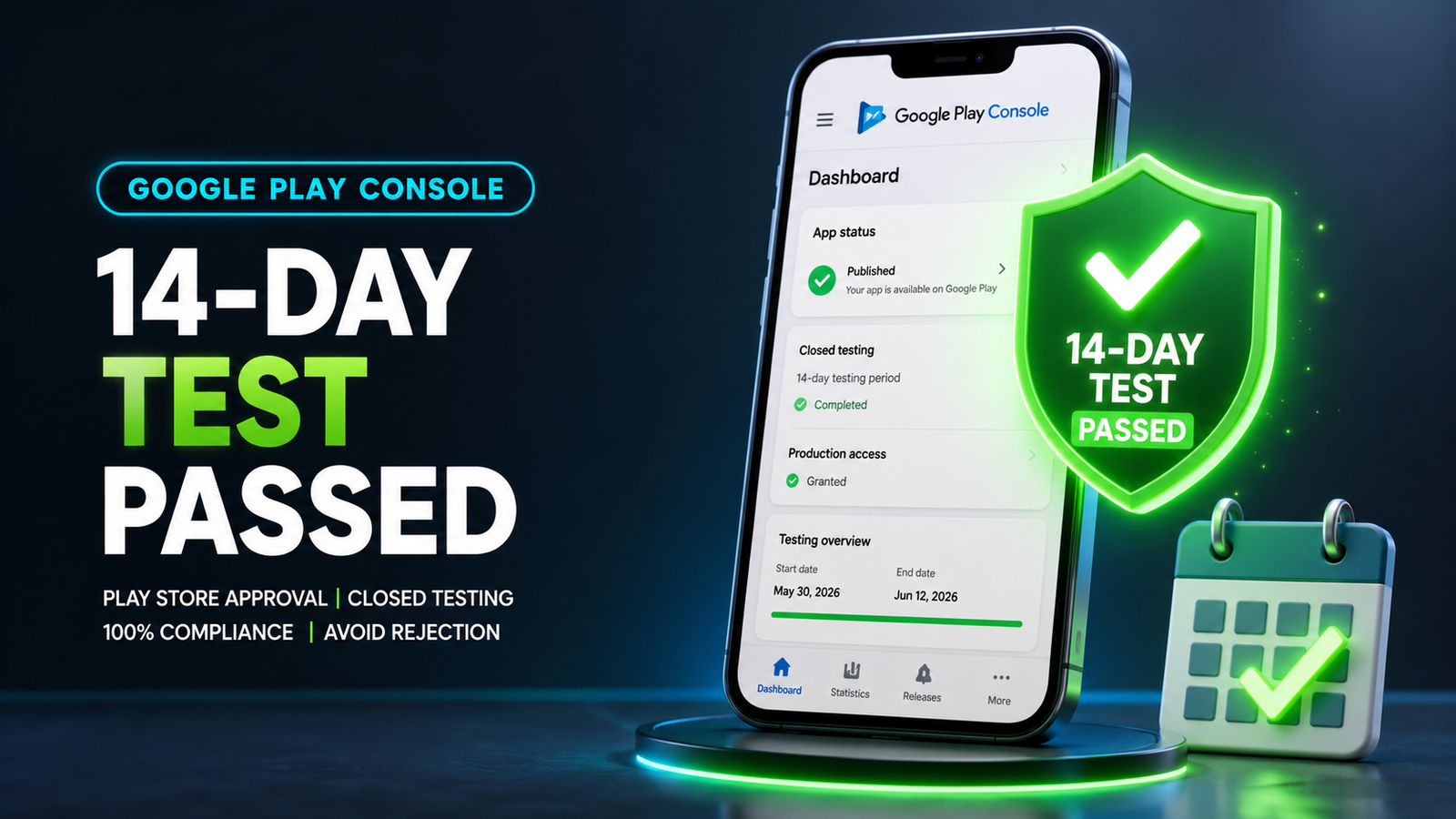
By partnering with a dedicated professional testing service, you can satisfy Google's criteria, clear the testing hurdle smoothly, and launch your application to the public storefront with complete confidence.
If you are an Android developer preparing to launch an app on the Google Play Store, you know that hitting "Publish" is no longer as simple as uploading a file. Google’s strict publishing rules especially the mandatory 14-day closed testing requirement—have turned app releases into a challenging process.
Many independent creators and startups try to clear this hurdle on their own. They reach out to friends, post on Reddit, or join Facebook "install-swap" groups. But far too often, after waiting out two full weeks, they receive a disappointing rejection email from Google stating that their app needs more testing.
This is where a professional app testing service becomes essential. In this guide, we will break down why DIY testing usually fails, why your closed testing might get rejected, and how professional testing services can help you secure an official production approval on your very first try.
The Google Play Barrier: Why Closed Testing Exists
If you registered a new personal developer account after November 2023, Google requires you to run a Closed Test before you can launch your app to the public.
To pass this phase, you must meet a strict baseline:
Recruit at least 12 verified testers.
Ensure those 12 testers stay opted-in to your test track for 14 consecutive days.
Answer a detailed 10-question Production Access Questionnaire about your testing feedback, bug fixes, and app readiness.
Google introduced this rule to clean up the Play Store. They want to ensure that apps arriving on the storefront are stable, useful, free of malware, and thoroughly tested on real devices.
Why DIY Closed Testing Gets Rejected by Google
Most developers who try to recruit testers through social media or free swap groups face rejections when applying for production access. It isn't because their code is broken—it's because their testing telemetry looks artificial to Google’s review algorithms.
Here are the main reasons DIY closed testing tracks fail:
1. Inactive "Ghost" Testers
Casual contacts or forum swaps will usually download your app, open it once for three seconds, and never touch it again. Google tracks user engagement through Play Services. If your testing data shows twelve users opening the app for three seconds on day one and remaining completely inactive for the next thirteen days, Google flags the track as fake and denies your application.
2. Unexpected Tester Drop-Offs
Internet strangers have zero commitment to your project. If a tester uninstalls your app on day eleven to free up storage space on their phone, your active tester count drops to eleven. Your 14-day consecutive streak breaks instantly, and Google silently resets your countdown clock back to zero.
3. Emulator and Bot Tracking
Many automated exchange groups attempt to handle multiple apps at once by running desktop emulators or virtual machines. Google easily detects virtual device signatures. If your testing traffic originates from emulators rather than physical Android smartphones, your developer profile risks policy warnings.
4. Vague Questionnaire Answers
When applying for production, you must explain what bugs were found during testing and how you fixed them. If your testers never actually used the app, you won't have real user feedback to report. Writing short, vague answers like "My friends tested it and found no bugs" triggers an immediate rejection.
How Professional App Testing Services Fix the Problem
A professional app testing service (like inTesters) turns a stressful, high-risk administrative hurdle into a reliable, managed QA campaign. Instead of chasing down unreliable contacts, you gain access to an organized testing infrastructure engineered specifically to meet Google’s criteria.
Here is why professional app testing is crucial for serious developers:
Guaranteed 14-Day Track Stability
Professional testing platforms deploy a managed pool of real testers—often providing a safety buffer of 20 or more users over the mandatory minimum of 12. If a device fails or someone drops out, backup testers instantly step in, keeping your active user count stable so your 14-day streak is never interrupted.
Real Human Testers on Physical Devices
Top-tier testing platforms use real people using distinct, physical Android smartphones (Samsung, Google Pixel, OnePlus, Xiaomi, etc.) across different Android OS versions. This completely eliminates the risk of emulator flags and provides genuine hardware coverage.
Authentic Deep Engagement
Trained testers do not just open your app and close it. They actively navigate through submenus, test input forms, try out features, and interact with the software for two to three minutes per session every single day. This generates the clean, organic user telemetry that Google's reviewers look for.
AI-Verified Proof Logs
To guarantee accountability, premium platforms use automated verification systems. Testers submit daily visual proof logs of their active sessions, which are checked to confirm that genuine human testing occurred every single day.
Actionable QA Reports & Questionnaire Support
During the 14-day period, professional QA teams stress-test your layouts, identify memory leaks, log unexpected crashes, and capture formatting bugs across various screen sizes. When it's time to submit your Production Access Questionnaire, you receive detailed bug logs, device charts, and feedback summaries, making it simple to complete Google's 10-question form accurately.
Simple Step-by-Step: How Pro Testing Works
1.Submit Your App Bundle: Setup Phase.
Upload your signed Android App Bundle (.aab) to your Play Console's Closed Testing track and add the professional service's tester group email.
2.Real Testers Opt-In:Verification Phase.
Vetted human testers accept your opt-in link, install the build on their physical Android devices, and launch their initial sessions.
3.Daily Engagement & Bug Tracking:14-Day Monitoring.
Testers interact with your app layouts daily for 14 straight days, while the platform monitors track stability, verifies screenshots, and collects QA feedback.
4.Receive Reports & Apply for Release:Production Hand-off.
At the end of the 14 days, receive a complete testing report and pre-mapped feedback logs to complete your Production Access Questionnaire and go live.
About the Author

Pratyush Kumar Thakur
Expert software tester and contributor to the community. Passionate about AI, automation, and user experience.