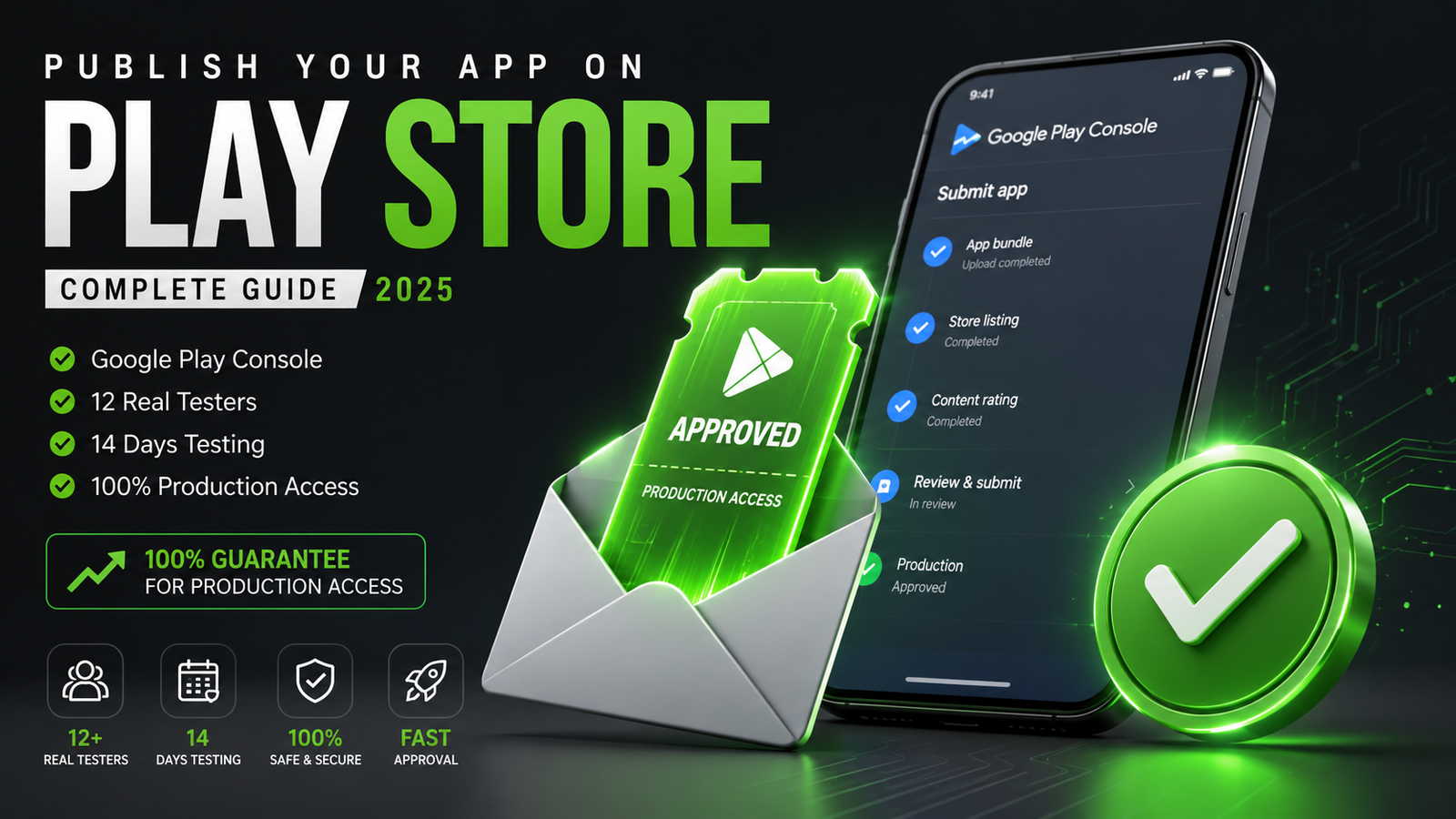
A delayed Google Play review can be stressful, but it can usually be resolved with a structured approach.
You’ve built your app, set up your Play Console, and finally hit the Submit for Review button. But instead of seeing your app go live within a few hours, your dashboard remains stuck on "In Review" for days or even weeks.
For developers on tight launch schedules, a delayed review can stall marketing campaigns, disrupt business plans, and cause endless frustration.
While Google Play app reviews typically take between 1 to 3 business days, review times can stretch to 5, 10, or even 15+ days under certain conditions.
This guide covers why your Google Play review is taking so long, what factors slow down Google's review pipeline, how to check for hidden compliance requests, and the exact steps to open a support ticket or fix closed testing issues.
1. What Is the Normal Review Timeline for Google Play?
Understanding the baseline timeline helps you determine whether your app is experiencing a genuine delay or if it’s simply moving through standard processing queues:
Standard Review Window: 1 to 3 business days. Most standard updates and routine app submissions pass through automated checks and human spot-audits within 24 to 72 hours.
The Weekend Factor (Friday to Sunday Submissions): If you submit an app bundle (
.aab) or store listing update on a Friday evening, Saturday, or Sunday, expect the review to take 3 to 4 business days. Google's manual review teams operate with reduced weekend staffing, causing submissions to stack up until Monday morning.The Warning Zone: If your app review exceeds 5 business days, your submission has hit a manual delay queue or an automated policy flag.
The Critical Delay Zone: Reviews taking 10 to 15+ days indicate a serious issue—such as a pending developer identity audit, missing App Access credentials, or an unanswered compliance request from Google.
2. The Root Causes: Why Is Your Review Stuck?
Google Play uses a hybrid review model: automated AI scanners parse your manifest files and layout assets first, followed by manual review teams who test functional behavior on physical hardware.
If your app gets stuck in review, it is usually due to one of these core factors:
A. First-Time Developer Account Submissions
If you are publishing your very first app on a newly created Google Play Developer Account, Google conducts an extended background check. Reviewers perform deep manual checks on your developer identity details, payment profiles, and privacy declarations, which naturally stretches review times to 7–10 days.
B. Unanswered Developer Mail or Declarations
When Google's review system flags a potential issue—such as a missing privacy policy link, unverified foreground permissions, or unclear financial declarations—they send an automated notification to your Developer Email Address.
If you miss this email, your app review remains paused indefinitely while Google waits for your response.
C. Missing App Access Credentials
If your app features a user login screen, a paywall, or phone number verification, Google reviewers must be able to log into the app to test its underlying code. If you forget to provide functional demo credentials inside the App Access panel of your console (Policy > App content > App access), the reviewer cannot enter the app, causing the review to sit in a pending queue until access is granted.
D. Complex App Categories or Restricted Permissions
Apps targeting children (Families Policy), health/medical platforms, financial utilities, or apps requesting high-risk permissions (like Background Location, Accessibility Services, or SMS) undergo exhaustive manual scrutiny, adding several days to the review timeline.
3. Step-by-Step Action Plan: How to Unstick Your Review
If your review has been pending for more than 5 to 7 days with zero status updates on your dashboard, take these operational steps to resolve the delay:
Step 1: Check Your Developer Email and Console Inbox
Before taking drastic measures, check your inbox (including Spam and Updates folders) for emails.
Log into your Google Play Console.
Look at the top right header for the Inbox (Bell Icon).
Check for any unresolved compliance queries or requests for clarification. If Google has requested an explanation or a video demo link for a permission, submit your response immediately to resume the review process.
Step 2: Check the "Publishing Overview" Tab
Navigate to Publishing overview on your left-hand sidebar menu. Verify whether Managed publishing is turned ON. If Managed Publishing is active, your app may have actually passed review already, but Google is waiting for you to manually click "Publish changes" to make it live on the store.
Step 3: Raise a Support Ticket with Google
If 7+ days have passed without any email requests or console notifications, your build may be trapped in an administrative review queue. You should open a formal support ticket to request a manual status check.
How to Raise a Support Ticket:
Log into your Google Play Console and click the Help Icon (?) in the top right corner.
Scroll down and select Contact Us.
Under “Tell us what you need help with,” type: App review taking longer than expected and click Next.
Select Publishing / Review Status as your primary category.
Choose Email Support to open the official ticket form.
What to Write in Your Support Ticket (Copy & Paste Template):
Subject: Urgent: Review Delayed for App [Your App Name] (Package: [com.yourcompany.appname])
Message Body: Dear Google Play Developer Support Team,
I am writing to request an update regarding the review status of my application:
App Name: [Your App Name]
Package Name: [com.yourcompany.appname]
Submission Date: [Insert Exact Date]
Current Status: In Review (Pending for [X] days)
My app has been in review for over [X] days without any status updates or notification emails requesting additional declarations or information. I have verified that:
All contact details and developer identities are fully verified.
Valid test account credentials have been provided in the App Access panel.
No pending compliance emails exist in our developer inbox.
Could you please check if there are any specific policy roadblocks or if the build can be escalated to the appropriate review team?
Thank you for your assistance.
Best regards,
[Your Name / Company Name]
Google Support typically responds to formal support tickets within 24 to 48 hours, either escalating the review or providing a clear explanation of what is holding up the build.
4. The Closed Testing Track Problem: Why Apps Get Rejected After Review
For developers using Personal Developer Accounts created after November 2023, the review phase is tied directly to the mandatory closed testing requirement (recruiting a minimum of 12 active testers who must keep the app installed for 14 consecutive days).
Many developers wait out the 14 days, apply for production, and then face an immediate rejection email stating: "Your app requires more testing before it can be pushed to production."
Why Closed Testing Tracks Get Rejected:
Inactive "Ghost" Testers: Using casual "install-swap" groups on Reddit or Discord results in testers opening the app once for 3 seconds and never launching it again. Google tracks user engagement metrics via Play Services. A history of 3-second interactions flags the track as artificial.
Uninstalls Mid-Cycle: If a tester deletes your app on day 11, your active count drops below 12. Your consecutive 14-day streak breaks, and the countdown resets to zero.
Emulator Footprints: Automated or emulator-based testing is caught easily by Google's background device checks.
The Fix: Deploy Managed Professional Testing
To avoid facing a 14-day reset loop after a long review period, smart developers deploy a managed professional closed testing platform like inTesters.
Partnering with an established testing framework eliminates review rejections by providing:
Guaranteed 14-Day Track Stability: Continuous monitoring to ensure your data streams run smoothly without a single day of drop-offs.
20+ Certified Real-Device Testers: A reliable safety buffer over the mandatory minimum. Every tester uses a unique, physical Android phone tied to an active Google Play account—no emulators allowed.
AI-Verified Daily Session Proof: Testers submit daily visual proof logs analyzed via an automated AI Screenshot Verification System to confirm active interaction.
Organic Deep Engagement Tracking: Vetted testers actively engage with your app interface for a minimum of 2–3 minutes per session, exploring features to generate clean user telemetry.
Production Questionnaire Mapping: Complete data support and technical logs to help you confidently answer Google's strict 10-question production access application form with precision.
About the Author

Pratyush Kumar Thakur
Expert software tester and contributor to the community. Passionate about AI, automation, and user experience.