
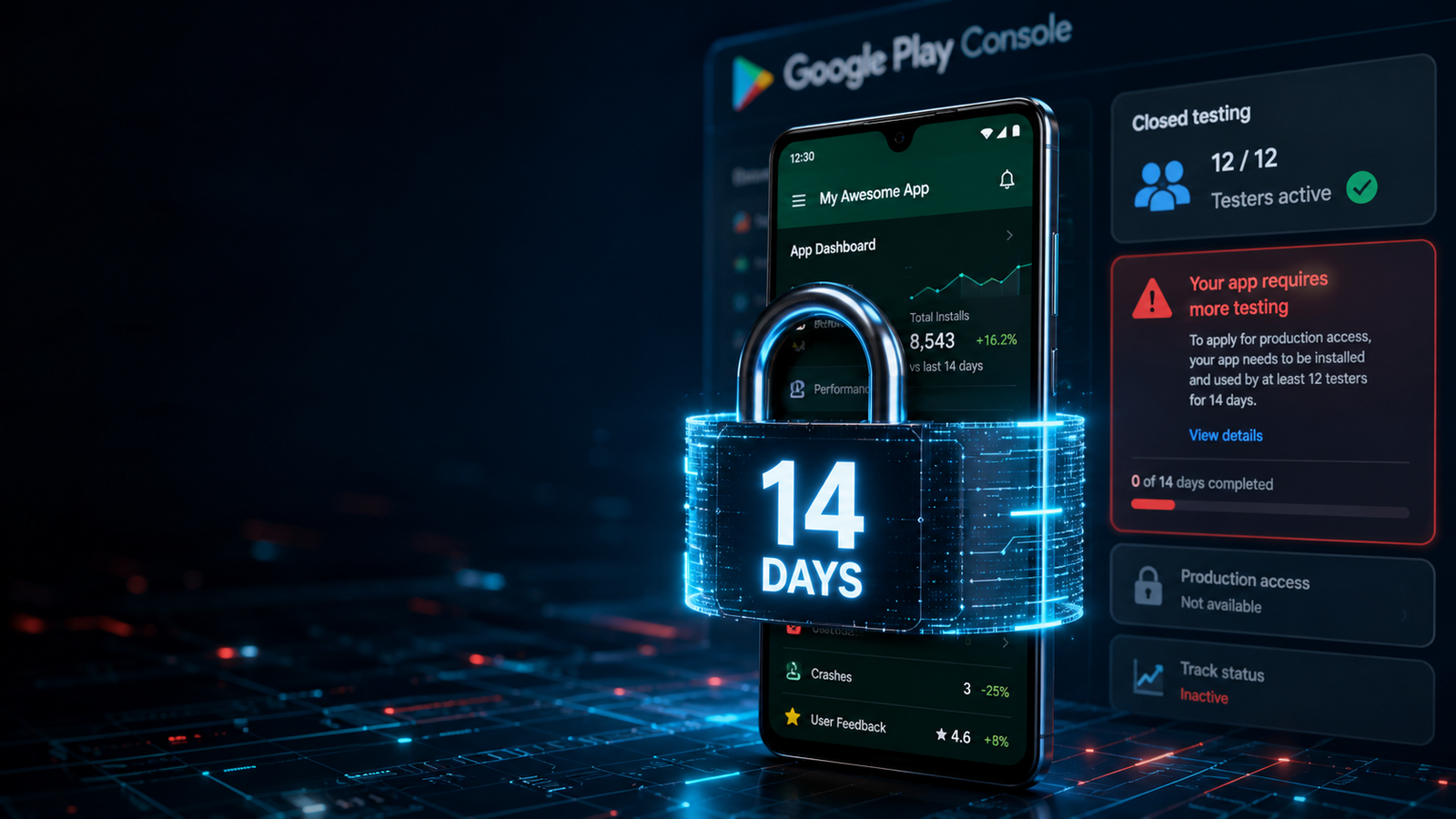
Google Play’s app testing requirements are a rigorous quality gate designed to ensure only stable, high-value software reaches the public storefront. Do not treat this phase as a minor hurdle to clear with superficial forum swaps. Set up your tracks cleanly, deploy real physical hardware, gather actionable user feedback, and provide Google with the authentic engagement data required to unlock your production access smoothly on your very first try.
Building an Android app or game is an incredible achievement. However, for indie developers and solo creators, the hardest part isn't writing the code anymore—it's getting Google's permission to let the public download it.
In late 2023, Google introduced a sweeping policy update aimed at driving up app quality and reducing store spam. If you registered a Personal Developer Account after November 13, 2023, you are locked out of releasing apps directly to the public. Instead, you face a mandatory, closely audited quality gate before you can touch the public "Production" track.
If you don't understand how to navigate this testing framework, your app launch will stall, or worse, your final production application will face a swift rejection. This definitive, step-by-step guide covers the exact app testing requirements for new personal developer accounts, breaks down the console's testing tracks, and provides a blueprint to clear this gate on your very first attempt.
The Core Rule: Google Play’s Non-Negotiable Testing Mandate
Google's framework leaves zero room for shortcuts. If you operate a new personal console account, certain core publishing tracks—such as Production and Pre-registration—remain completely disabled until you satisfy a strict testing benchmark.
The 14-Day Mandatory Policy: To become eligible to apply for public production access, you must run a closed test for your app with a minimum of 12 verified testers who have been actively opted-in for at least the last 14 consecutive, uninterrupted days.
Once you hit this 14-day milestone, you don't automatically go live. Instead, you win the right to submit a comprehensive, 10-question Production Access Questionnaire detailing your testing metrics, user feedback, and software stability logs for human and automated review.
Navigating the Play Console Testing Ecosystem
Google Play Console structures its testing environment into distinct tracks. To build a healthy application lifecycle that keeps review bots happy, you should understand how these tracks operate sequentially:
[Internal Testing: Quick Group] ➔ [Closed Testing: Mandatory 12 Users / 14 Days] ➔ [Production Review Form] ➔ [Open Testing / Live Production]
1. Internal Testing (The Rapid Prototype Track)
Purpose: Allows you to quickly distribute early builds to a small, trusted internal circle (up to 100 users).
The Advantage: Builds are normally processed and available to your testers within seconds of being uploaded, bypassing standard policy review times. It is optional but highly recommended to catch massive runtime crashes early.
2. Closed Testing (The Mandatory Gateway)
Purpose: This is the track where your 14-day compliance clock runs. You share your app bundle (
.aab) with a targeted group of users that you explicitly control via email lists or Google Groups.The Benchmark: You must maintain a baseline of 12 testers continuously opted-in for 14 straight days. Any user drop-off or tracking gap can instantly reset your countdown back to zero.
3. Open Testing & Production (The Public Market)
Purpose: These tracks open up your app to the broader public market, letting anyone download the app or leave private beta feedback.
The Catch: These features are completely grayed out and inaccessible until your Closed Testing track data is reviewed and formally approved by Google.
Standard Community Recruitment vs. The Reality of App Rejections
Google's documentation suggests recruiting testers through personal and professional networks—such as friends, family, classmates, or targeted online user groups. While this sounds straightforward, relying on casual acquaintances or free "install-swap" forums on Reddit, Facebook, or Discord is the primary reason developers get rejected.
When you hit the 14-day mark and apply for production access, Google evaluates your track using deep user telemetry metrics. Free, casual networks regularly trigger immediate rejections due to Testing Negligence:
The "Ghost Track" Inactivity Trap: Casual contacts will install your app, open it once for five seconds, and never touch it again. Google tracks user session lengths via Play Services. If your track consists entirely of 3-second title screen sessions, Google flags the data as artificial and forces you to re-test for another 14 days.
The Sudden Uninstall Loop: Internet strangers have zero loyalty to your project. If a community user uninstalls your game or utility on day 11 to free up device space, your active user count drops below 12. Your consecutive streak breaks instantly, and the console silently resets your clock.
Emulator Footprints: Forum swaps are often run by users managing multiple accounts via desktop emulators. Google easily flags identical virtual hardware signatures, which can put a policy violation warning on your developer profile.
How to Set Up and Monitor Closed Testing Properly
To keep your closed testing track completely healthy and compliant with Google's guidelines, apply these three core principles:
Step 1: Manage Your Pool via Google Groups
When adding users under your track's Testers tab, link a single master Google Group email instead of manually uploading an individual CSV list. This allows you to invite, add, or swap out testers externally within the Google Groups portal without modifying your console release, protecting your active 14-day countdown from resetting.
Step 2: Enforce the 2-to-3 Minute Daily Interaction Rule
Instruct your testing pool that shallow sessions are useless. Your testers must actively open the app and interact with features, fill out forms, or toggle menus for at least 2–3 minutes every single day. This creates the organic depth of engagement Google looks for.
Step 3: Actively Update Your Build Mid-Cycle
A flawless, static test track looks suspicious to manual reviewers. Real pre-release apps have minor bugs or formatting quirks. Use the console's Testing Feedback portal (Ratings and reviews > Testing feedback) to log tester complaints. Fix a minor bug or text typo, and upload an updated .aab version mid-way through your 14 days. This proves to Google that you are actively utilizing your testing track to iterate and improve app quality.
Secure Direct Production Approval via Managed Professional Testing
Coordinating a decentralized network of 12 to 15 real people, tracking their daily usage metrics, verifying their device models, and ensuring no one deletes your application for half a month is an exhausting, time-consuming administrative burden.
If you want to completely eliminate the risk of a 14-day reset loop and confidently pass Google's strict production access review on your very first attempt, the most strategic option is to leverage a managed professional closed testing platform.
Instead of dealing with unpredictable forum swaps, an enterprise testing framework handles compliance logistics end-to-end:
Guaranteed 14-Day Track Continuity: Continuous, round-the-clock track monitoring to ensure your data streams run perfectly without a single day of drop-offs.
20+ Certified, Real-Device Testers: Provides a robust safety buffer over the mandatory minimum. Every tester is a real person using a unique, physical Android phone tied to an active Google Play account—no emulators or virtual machine profiles allowed.
AI-Verified Daily Session Proof: Testers submit daily session proof logs analyzed via an automated AI Screenshot Verification System to confirm authentic interaction and eliminate fraud.
Organic Deep User Telemetry: Trained testers open your app daily and interact with your interface for a minimum of 2–3 minutes per session, navigating layouts and exploring every screen view.
Detailed Technical Bug Reports: Clean diagnostic logs charting device performance across various hardware configurations (Samsung, Pixel, OnePlus, etc.) and differing Android API levels to polish your software before launch.
Production Questionnaire Mapping: Complete data support and expert documentation to help you confidently answer Google's strict 10-question production access application form with absolute precision.
About the Author

Pratyush Kumar Thakur
Expert software tester and contributor to the community. Passionate about AI, automation, and user experience.